DMS in Education: How to Use a DMS in Academic Administration
DMS in education improves academic administration, ensures FERPA compliance, and streamlines school workflows.
What is a Document Management System?
A Document Management System (DMS) is software that captures, stores, and organizes your school’s documents digitally while maintaining security and accessibility. For your faculty, it means instead of hunting through filing cabinets or multiple computer folders, they can find everything in one searchable location.
Educational DMS platforms, like Dokmee, understand the needs of schools and universities. They’re designed around academic calendars, student life cycles, and educational compliance requirements (FERPA) rather than generic business processes.
The real value comes from connecting with your existing technology stack. Your DMS should work alongside your current Student Information System and Learning Management Platform and automatically organize documents where staff expect to find them.
Related: DMS vs. ECM
Why Educational Institutions Need a DMS
Schools and universities deal with massive document volumes that grow every semester.
Your registrar’s office probably has filing cabinets full of transcripts dating back decades. Each enrollment cycle, your admission teams have to manage thousands of applications.
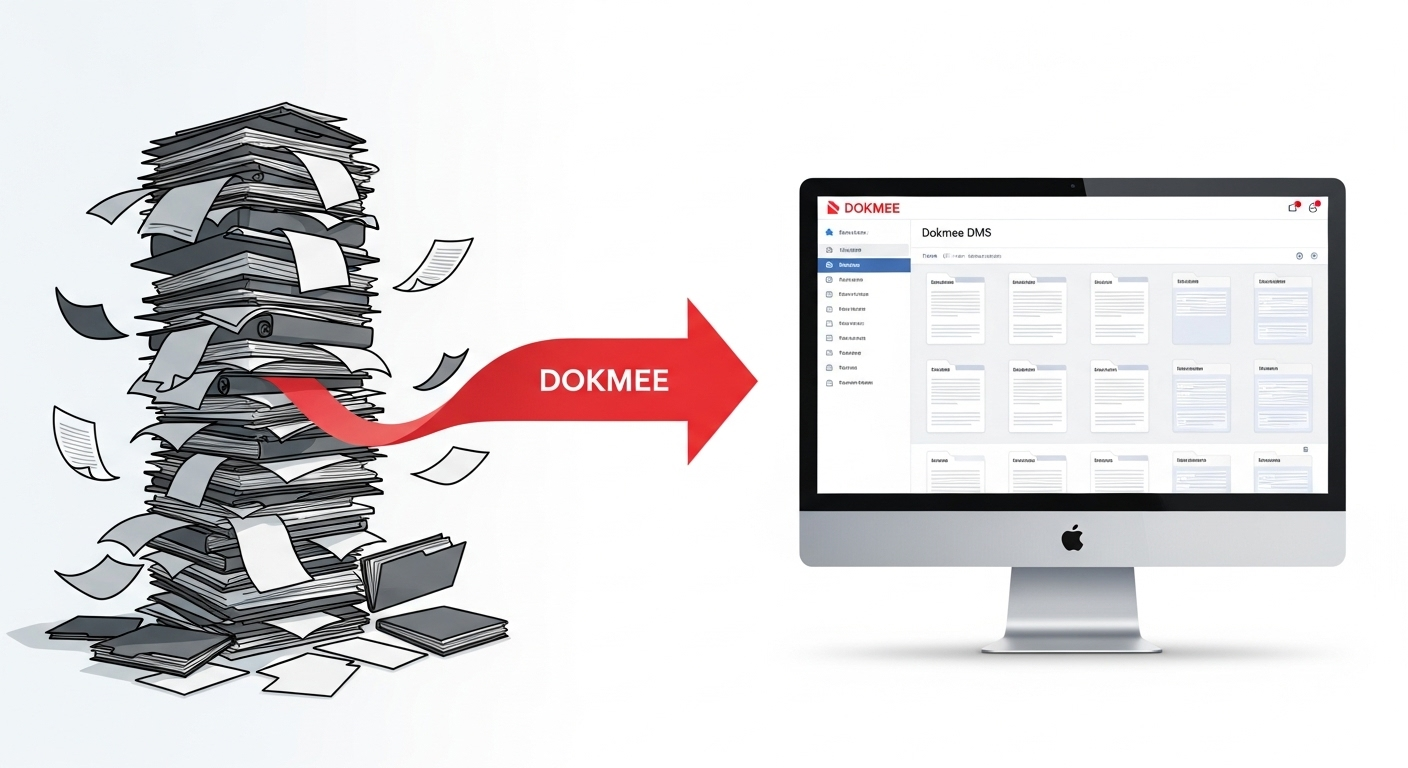
Here’s where most educational institutions get stuck:
Problem Area | What’s Happening | How DMS Helps |
|---|
Record Disorganization | Student files scattered across departments and systems | Single repository with smart search capabilities |
Privacy Risks | Manual FERPA compliance creates vulnerability | Automated privacy controls and access tracking |
Time Waste | Staff spend hours locating basic documents | Instant retrieval through digital organization |
Disconnected Systems | SIS, LMS, and admin tools don’t communicate | Unified platform that connects everything |
Transfer Headaches | Compiling student records takes days or weeks | One-click transcript and record compilation |
Remote Access Issues | Important documents stuck in on-campus filing systems | Cloud-based access from any location |
The scope of these problems varies widely.
A small private school might struggle with basic organization and parent communication, while large state universities deal with regulatory compliance across multiple campuses and thousands of faculty members.
What doesn’t vary is the impact: disorganized documents slow down every process from enrollment to graduation.
They frustrate your staff and delay service for students.
Essential Features of Educational DMS
When evaluating DMS solutions for your educational institution, prioritize these capabilities:

FERPA-Compliant Security
Educational document security goes beyond basic password protection. You need multiple layers of protection specifically designed for student privacy:
Role-based permissions: Teachers see their students’ records but not personnel files; administrators access enrollment data but not individual grade details
Automatic audit trails: Every document access is logged with an accurate action trail: who viewed what and when.
Secure sharing protocols: Parents can access their child’s records without seeing other students’ information
Session management: Automatic logoffs prevent unauthorized access in shared computer labs
Advanced OCR
Schools generate documents in many formats. Most of the time, your faculty will be handling everything from handwritten permission slips to research papers. Your DMS needs OCR technology that can handle:
Educational terminology and various document layouts
Automatic extraction of student names, ID numbers, and course information
Batch processing of standardized forms like enrollment applications
Integration with existing grading and assessment platforms
complete Educational Integration
Your DMS should feel like a natural extension of your existing educational technology stack. Documents should automatically link to the correct student records, and staff should access what they need without leaving their primary applications.
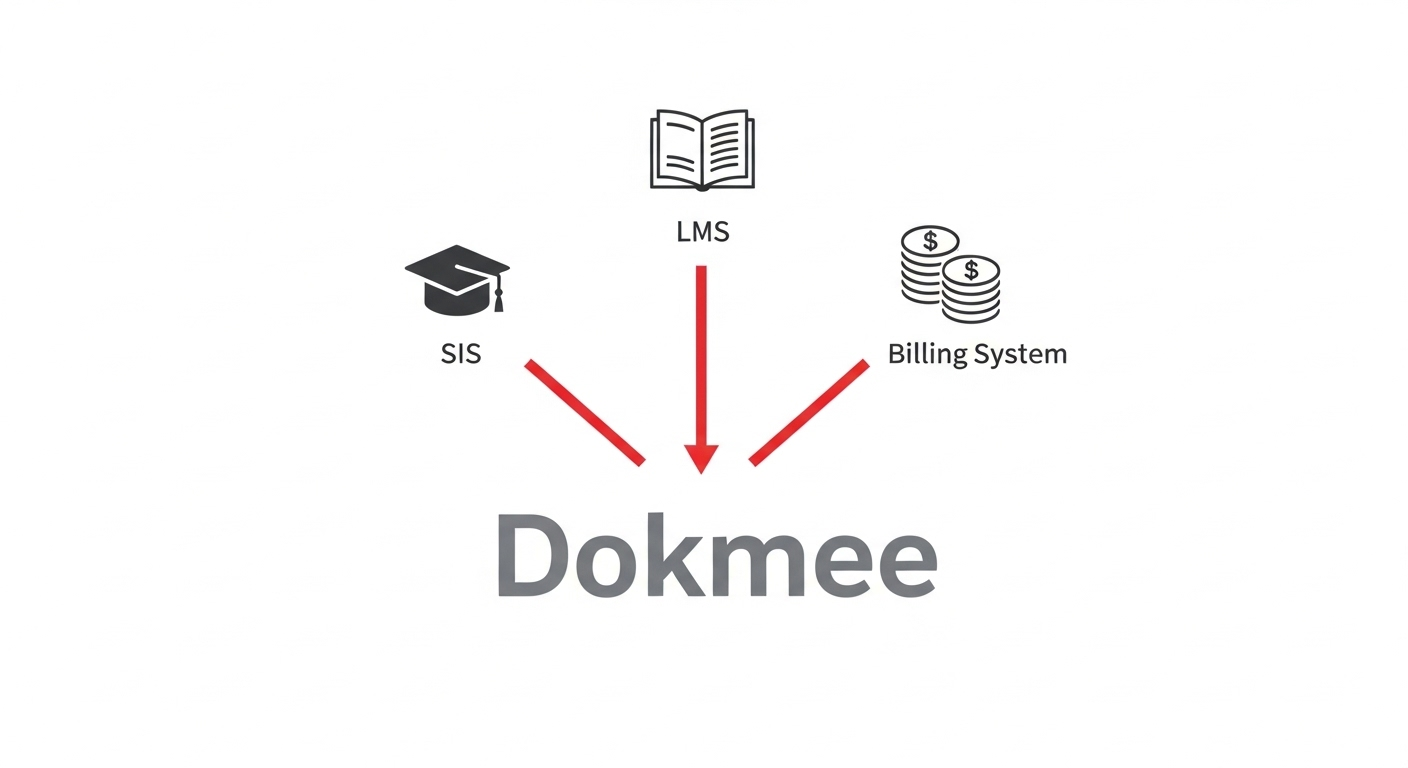
These integration capabilities become especially valuable during enrollment periods, parent-teacher conferences, and audit preparations. There, quick access to student histories, academic records, and compliance documentation has a direct impact on outcomes.
How to Use a DMS in Education
Successfully deploying DMS in your educational environment requires careful planning around academic schedules and institutional culture.
You can implement your DMS in 3 simple steps. Although you shouldn’t forget the last step: regularly checking that everything works properrly!
Step 1: Choose the Right Educational DMS Platform
Not all document management systems understand schools. You need a platform built for educational workflows, not generic business processes.
Look for solutions that include preconfigured templates for student records, faculty documents, and administrative processes.
Dokmee handles such tasks perfectly.
Pay attention to criteria like FERPA compliance certifications, integration capabilities with popular educational software, and scalable pricing that works with education budgets.
Step 2: Plan Around Academic Calendar Constraints
Unlike businesses that can implement systems year-round, schools have natural break points. Plan your major rollout during winter break, spring break, or summer when staff have time to learn new systems without disrupting daily operations.
Create a phased approach: start with administrative offices, then expand to faculty, and finally include student-facing features like parent portals.
Step 3: Build Internal Trainers
Academic staff respond better to peer recommendations than administrative mandates.
Identify enthusiastic early adopters in each department, for example, the teacher who loves trying new technology, the registrar who’s tired of filing cabinets, and the principal who wants streamlined processes.
These individuals become your training team.
Later, they can help colleagues adapt to digital workflows while maintaining the collaborative culture that schools value.
Benefits of Using DMS in Education
Should your institution implement a proper DMS?
Yes, it transforms how it operates at every level. Here are the benefits you’ll reap:
Administrative staff report noticeable time savings (several hours per week) on routine document processing after DMS implementation. Tasks that previously took hours, like compiling transcripts or preparing enrollment packets, now happen automatically.
Faculty spend less time on paperwork and more time on actual teaching and student interaction.
With this kind of efficiency, your faculty can focus more on educational quality and staff satisfaction instead of document-hunting.
Automated FERPA compliance eliminates the manual processes that typically lead to privacy violations. Your system maintains detailed audit trails and guarantees that only authorized personnel can access student information.
When the regulation officer is at your door, rest assured that all required documentation is instantly available and properly organized. You’ll no longer have to prepare weeks in advance for accreditation reviews or regulatory inspections.
A DMS lets you set up a secure parent portal that provides 24/7 access to student progress, attendance records, and school communications.
Parents can view report cards, permission slips, and school announcements without calling the office and hogging up work time.
One more benefit is that because curriculum documents, lesson plans, and assessment materials are centrally managed with version control, your faculty’s collaboration becomes greatly enhanced.
Digital document management eliminates paper storage costs and reduces physical filing requirements. Many scores see a huge drop in printing and storage expenses within the first year.
More importantly, faster administrative processing improves cash flow through quicker enrollment completion and more efficient billing cycles.
Real-World Educational DMS Applications
Let’s examine specific examples of how educational institutions use DMS to solve everyday challenges:
Use Case 1: Student Enrollment and Admissions
A community college processes 5,000+ applications annually across multiple programs with varying admission requirements.
Before DMS implementation, application processing took weeks and often resulted in incomplete files or lost documents.
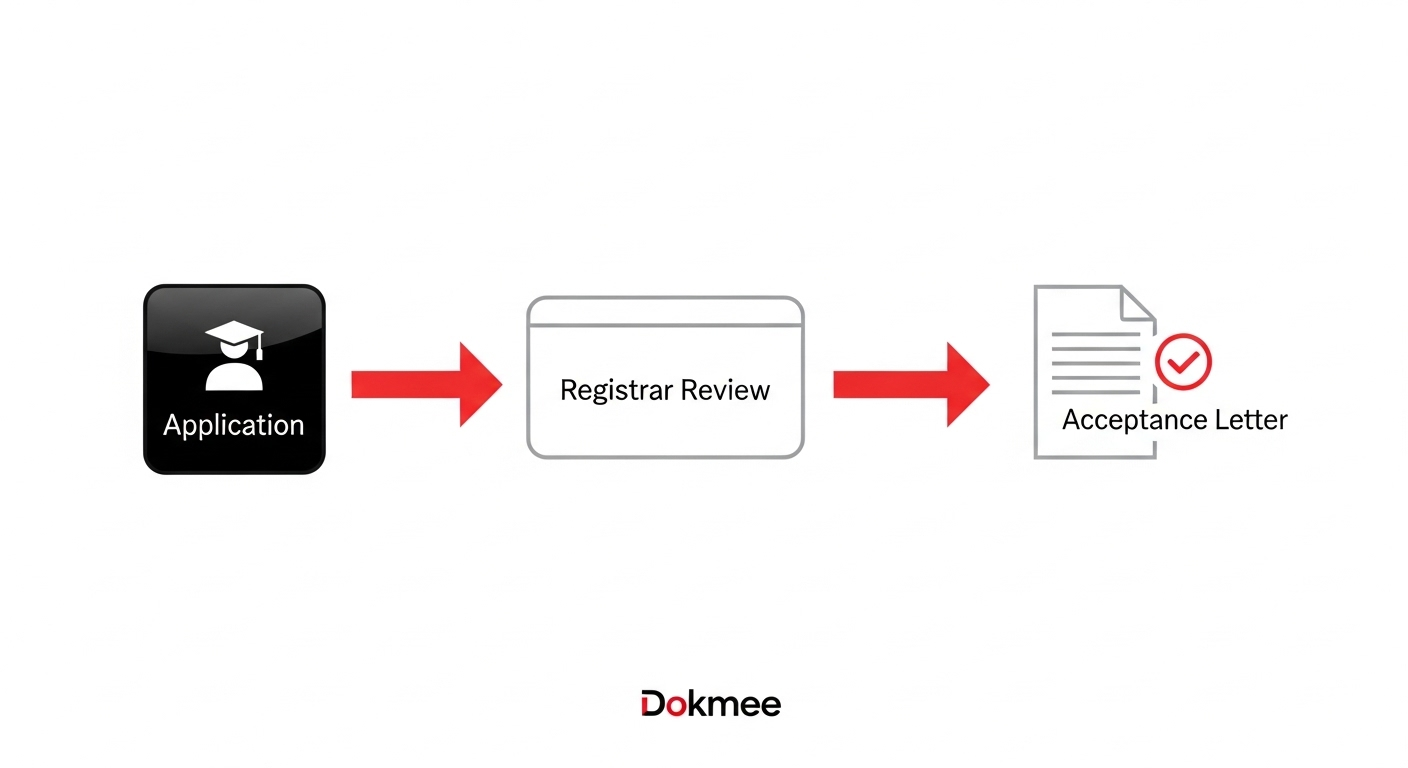
Their DMS solution simplifies the entire enrollment workflow:
Digital application processing: All forms submitted electronically with automatic validation
Document verification: Transcripts, test scores, and references automatically attached to applications
Approval workflows: Applications route automatically to appropriate departments based on program requirements
Communication automation: Status updates sent automatically to applicants and staff
The result is application processing time dropped to 3–5 days, incomplete applications were nearly eliminated, and staff can handle far more applications without additional personnel.
Use Case 2: Faculty and Staff HR Management
A school district manages 800+ employees across 25 schools. Each requires different certifications, evaluations, and professional development tracking. Manual HR processes created compliance risks and made it difficult to track certification renewals.
Their DMS implementation automated HR workflows:
Certification tracking: Automatic alerts for expiring licenses and required renewals
Performance management: Digital evaluation forms with automated review cycles
Professional development: Training records linked to certification requirements
Contract management: Digital signatures and automated renewal notifications
The district eliminated certification lapses, cut HR processing time in half, and improved compliance with state employment requirements.
Use Case 3: Parent-Teacher Communication
An elementary school struggled with parent engagement. It relied on paper notices that usually went unread and inefficient phone tag for important communications.
Their secure parent portal solution provides:
Real-time progress updates: Grades and attendance accessible 24/7
Digital communication: Secure messaging between parents and teachers
Event management: Permission slips and school event notifications with digital responses
Document sharing: Report cards, assessment results, and individualized education plans
Parent engagement greatly increased, and teachers report serious time savings on routine communications.
Allow Dokmee to Help Your Academic Administration
Dokmee’s DMS is specifically designed to handle the challenges facing academic institutions.
Our platform combines comprehensive compliance features with the flexibility schools need to manage diverse document types and workflows.
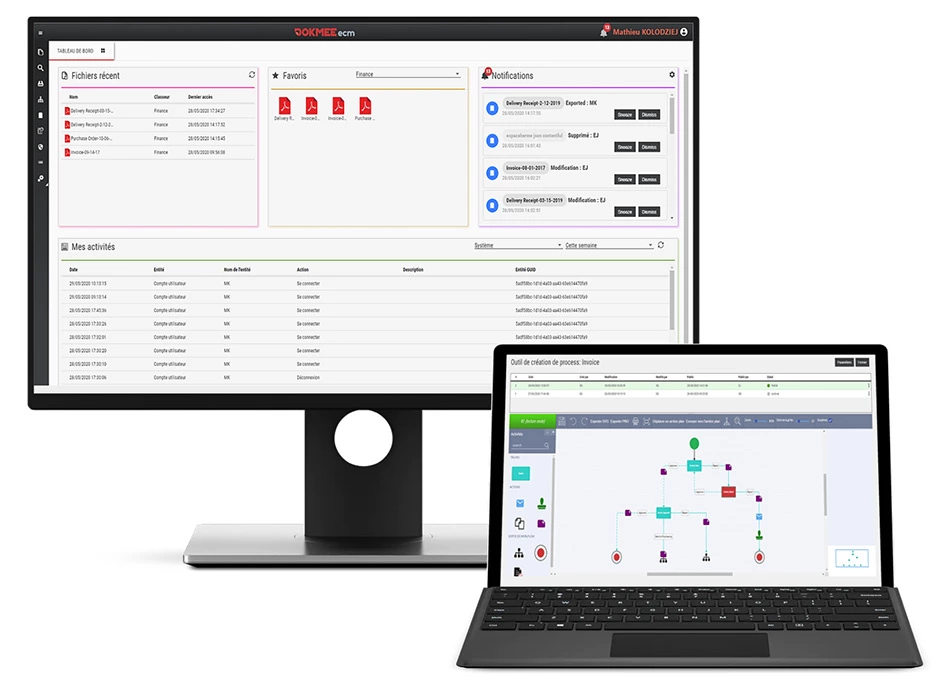
Get a Free Educational DMS Consultation with Dokmee