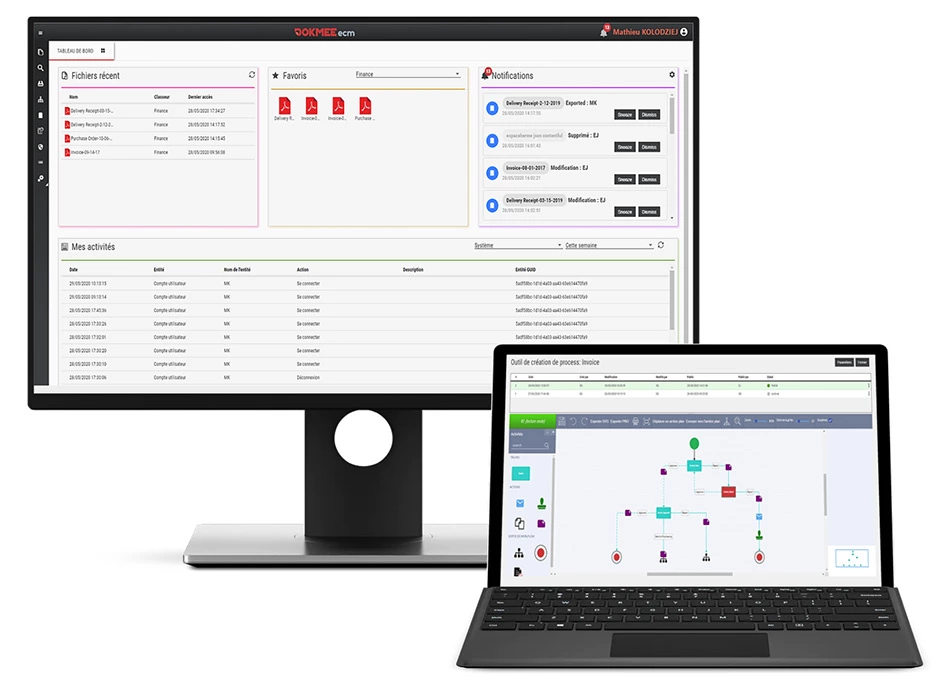
How to Use a DMS for Accountants (Benefits and Tools for 2026)
Full guide and examples to use a DMS in your accounting firm. Automate your workflows, ensure compliance, and be ready for audits.
What is a DMS for Accountants?
A Document Management System (DMS) is specialized software that organizes, secures, and controls all your accounting documents in one centralized location.
Think of it as a digital filing cabinet that automatically sorts invoices, tax returns, financial statements, and client correspondence while maintaining perfect organization and security.
For accounting firms, a DMS handles everything from client onboarding paperwork to complex audit trails. It helps you ensure that every W-2, 1099, receipt, and financial record is instantly accessible, properly tagged, and stored according to compliance requirements.
Unlike basic cloud storage, accounting DMS solutions include specialized features like automated file retention policies, audit trail tracking, and integration with popular accounting software like QuickBooks, Xero, and Sage.
Related: DMS vs. ECM
Why Your Accounting Firm Needs a DMS
Your accounting firm deals with unique document management challenges that traditional filing systems can’t solve daily.
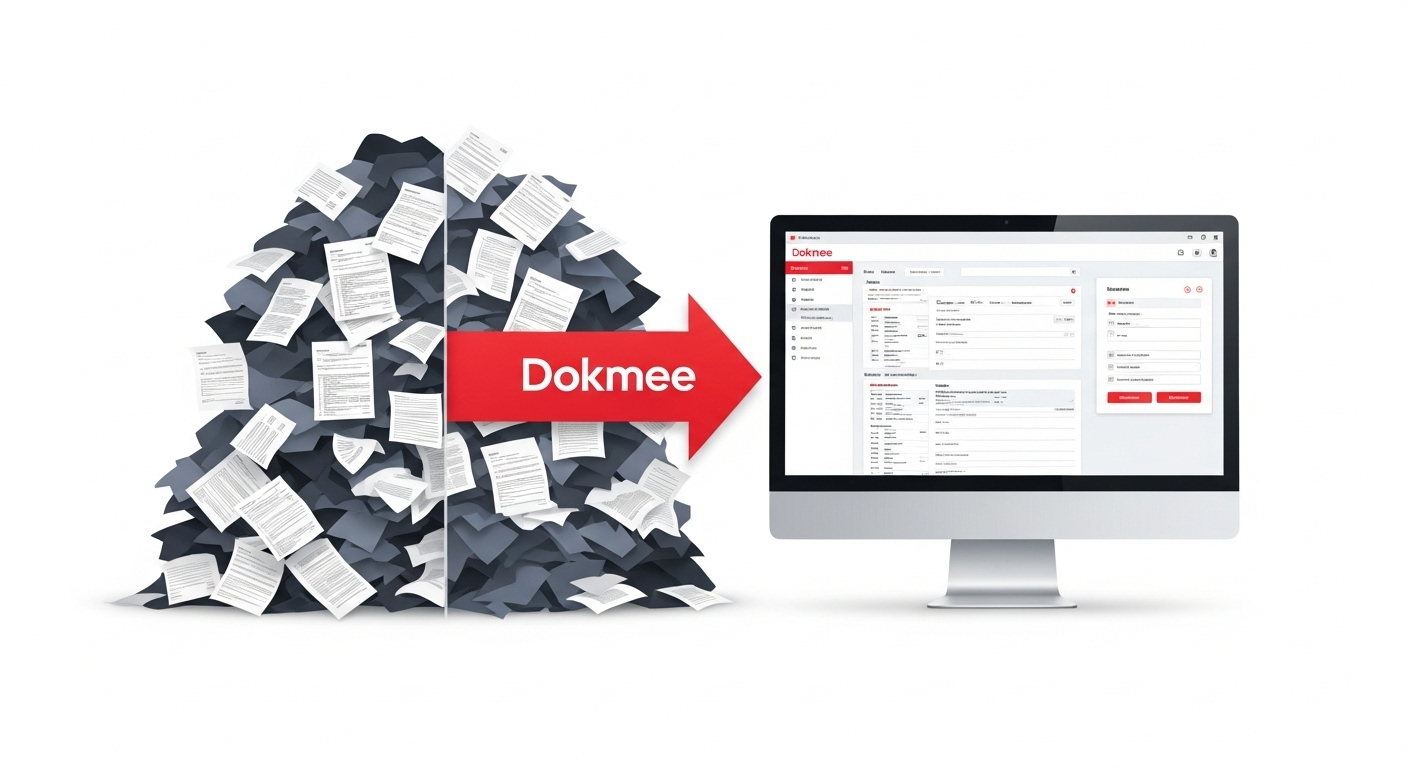
Here are a few examples:
Challenge | Impact | DMS Solution |
|---|
Document Security | Client SSNs and financial data exposed in email | Bank-level encryption and access controls |
Compliance Requirements | SOX, HIPAA, IRS retention rules create liability | Automated retention policies and audit trails |
Search Time | 30% of work time spent finding documents | Instant OCR-powered search across all files |
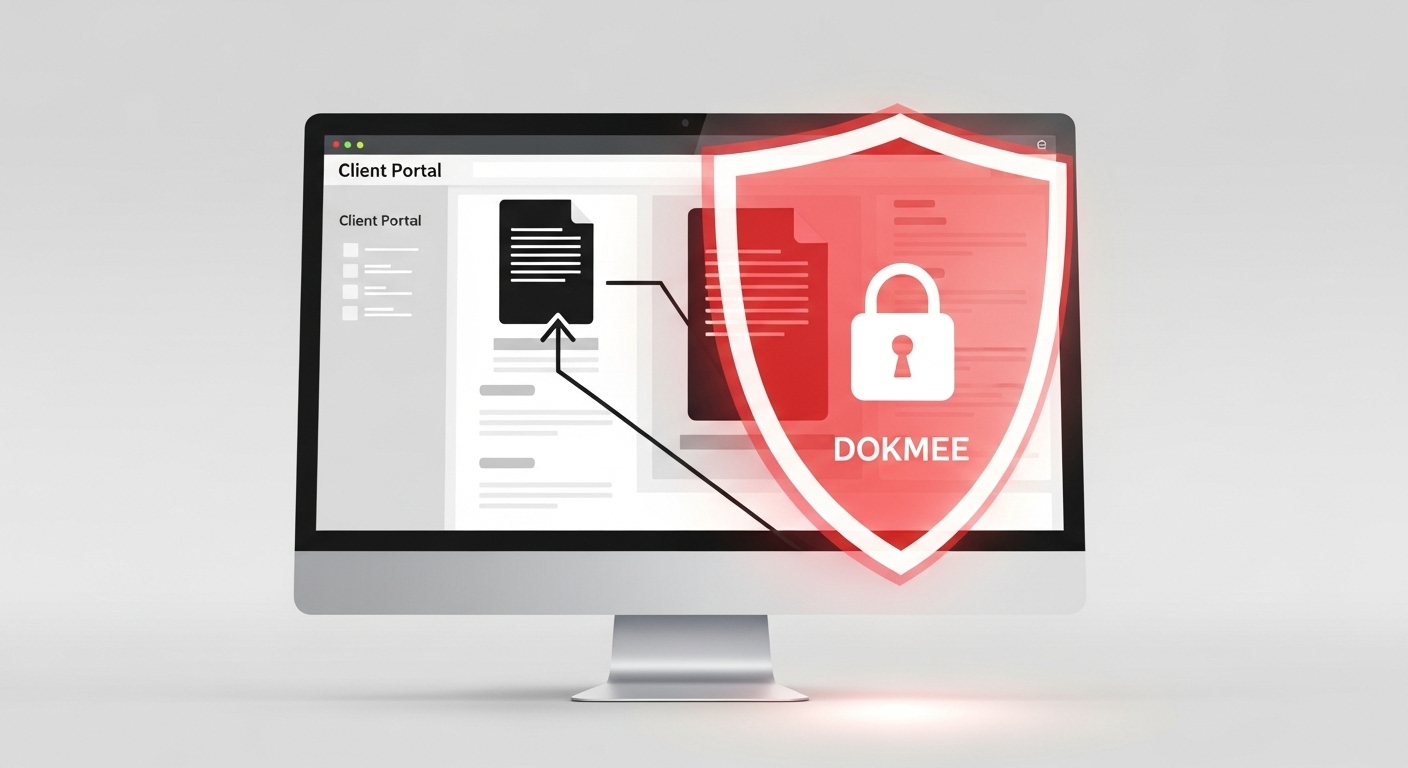
Client Collaboration | Email attachments create version confusion | Secure client portals with real-time access |
Audit Preparation | Scrambling for documents during examinations | Automated audit package generation |
Growth Limitations | More clients = proportionally more admin work | Scalable workflows handle far more clients |
Without a systematic approach to document management, these challenges compound as your firm grows. They create bottlenecks that limit your profitability and directly impact the quality of the service provided to your clients.
Features Accountants Need in a DMS
DMS solutions are often enterprise-level and come packed with features you might not need. Here’s what your modern accounting agency needs to prioritize:
Security and Compliance Controls
Accounting documents contain the most sensitive financial data imaginable: Social Security numbers, bank account details, tax information, and complete financial histories.
Your DMS must provide bank-level encryption, role-based access controls, and detailed audit trails that satisfy SOX, HIPAA, and state regulatory requirements.
With this security foundation, your system becomes able to accomplish everything else it needs. When you can trust your documents are properly secured and access is automatically logged, you can confidently build automated workflows and integrations on top of that foundation.
Integration with Accounting Software
That secure foundation makes smooth integration with QuickBooks, Xero, Sage, Eleven, or whatever accounting platform your firm uses both possible and safe.
This integration allows automatic document attachment to specific clients, projects, or transactions without manual data entry.
The best systems can automatically import invoices, receipts, and financial documents directly into client files, all while maintaining proper categorization and metadata tagging. This automated organization becomes the basis for powerful workflow automation.
Automated Workflows and Approval Processes
With secure documents properly organized and integrated with your accounting software, you can now automate the standardized processes that repeat for every client.
A quality DMS routes documents through review and approval chains while tracking progress and deadlines.
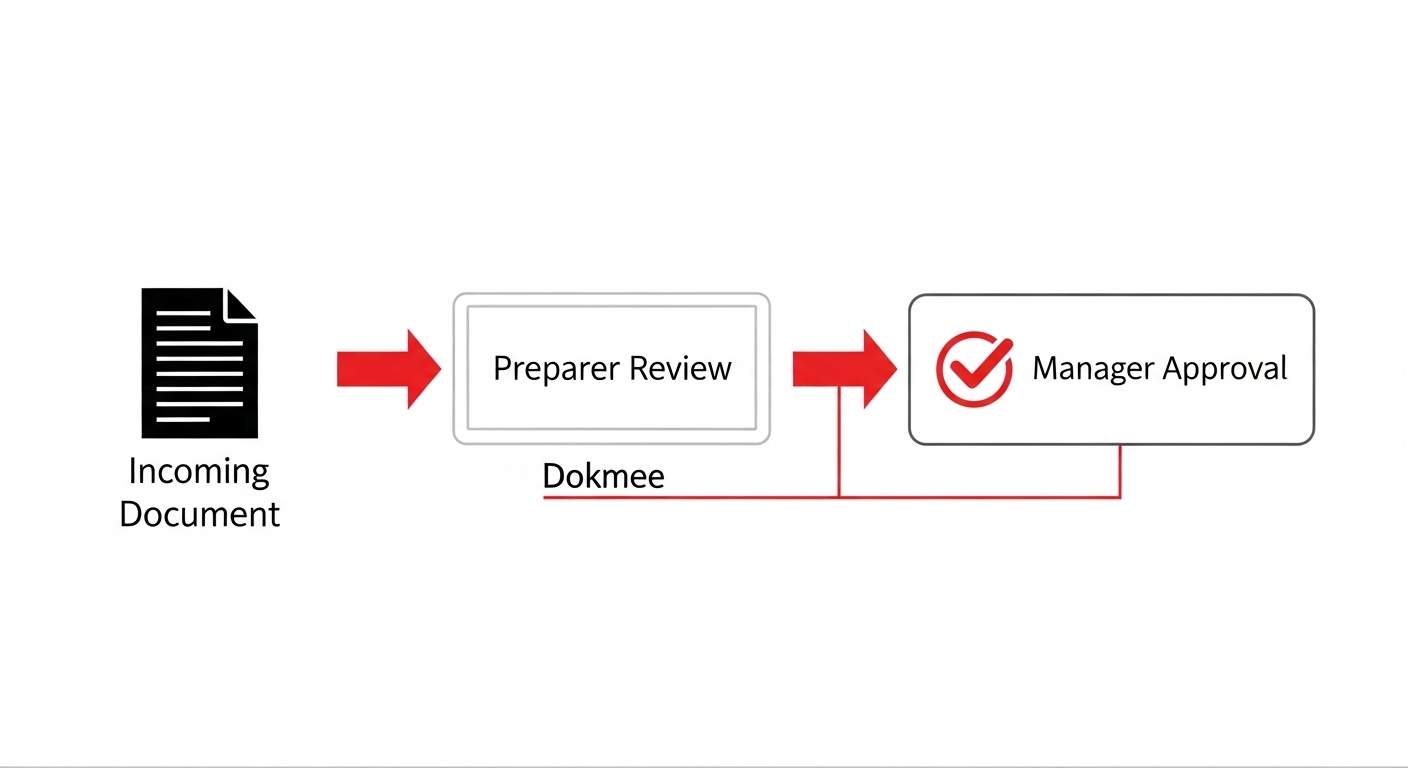
For example, when a client uploads their tax documents, the system can automatically notify the assigned preparer, track review status, and alert supervisors when documents are ready for final approval.
These automated processes generate the searchable history that makes document retrieval effortless.
Advanced Search and Retrieval
All of this organization, security, and automation creates a complete searchable database of your entire document history.
When the IRS requests specific documentation from three years ago, you can find it in seconds because professional DMS solutions include optical character recognition (OCR) that makes every document fully searchable.

You can search by client name, date range, document type, dollar amount, or any text contained within the documents themselves.
This search capability transforms your entire document history into a convenient, powerful business intelligence tool.
How to Use a DMS in Accounting: Real-World Applications
Modern DMS solutions, such as Dokmee, can radically transform many of your accounting agency’s daily tasks. Here are a few examples:
Use Case 1: Manage Clients’ Tax Documents
Every tax season brings an avalanche of W-2s, 1099s, receipts, and supporting documentation from dozens or hundreds of clients. Without organization, even finding a specific client’s documents becomes time-consuming and error-prone.
A DMS creates individual client folders that automatically categorize uploaded documents by type and tax year. Key benefits include:
Automatic sorting: W-2s, 1099s, and receipts are immediately organized into appropriate subfolders
OCR search capability: You can find all medical expenses for a specific client instantly rather than manually reviewing every receipt
Workflow automation: Members are notified when all required documents are received and complete packages route through your standard review process
With this, you no longer need to engage in time-consuming back-and-forth communication about missing documents and delay tax preparation.
Use Case 2: Long-term Document Archival
IRS regulations require retaining tax records for at least three years, with some documents needing seven-year retention. Many firms also store client records much longer for relationship continuity and potential future audits.
A DMS automates retention policy management according to document type, regulatory requirements, and your own rules:
Automated classification: Tax returns kept for seven years, general correspondence for three years
Space elimination: Complete document archive exists in searchable digital format instead of filing cabinets
Disaster recovery: Cloud storage with automated backups protects decades of client records from fire, flood, or other disasters
The system automatically handles document lifecycle management and can archive or delete documents when retention periods expire.
Use Case 3: Automated Invoice Processing Workflows
Accounts payable processing involves repetitive workflows that are perfect for automation. A DMS can automatically route incoming invoices through approval chains while tracking status and ensuring nothing falls through the cracks.
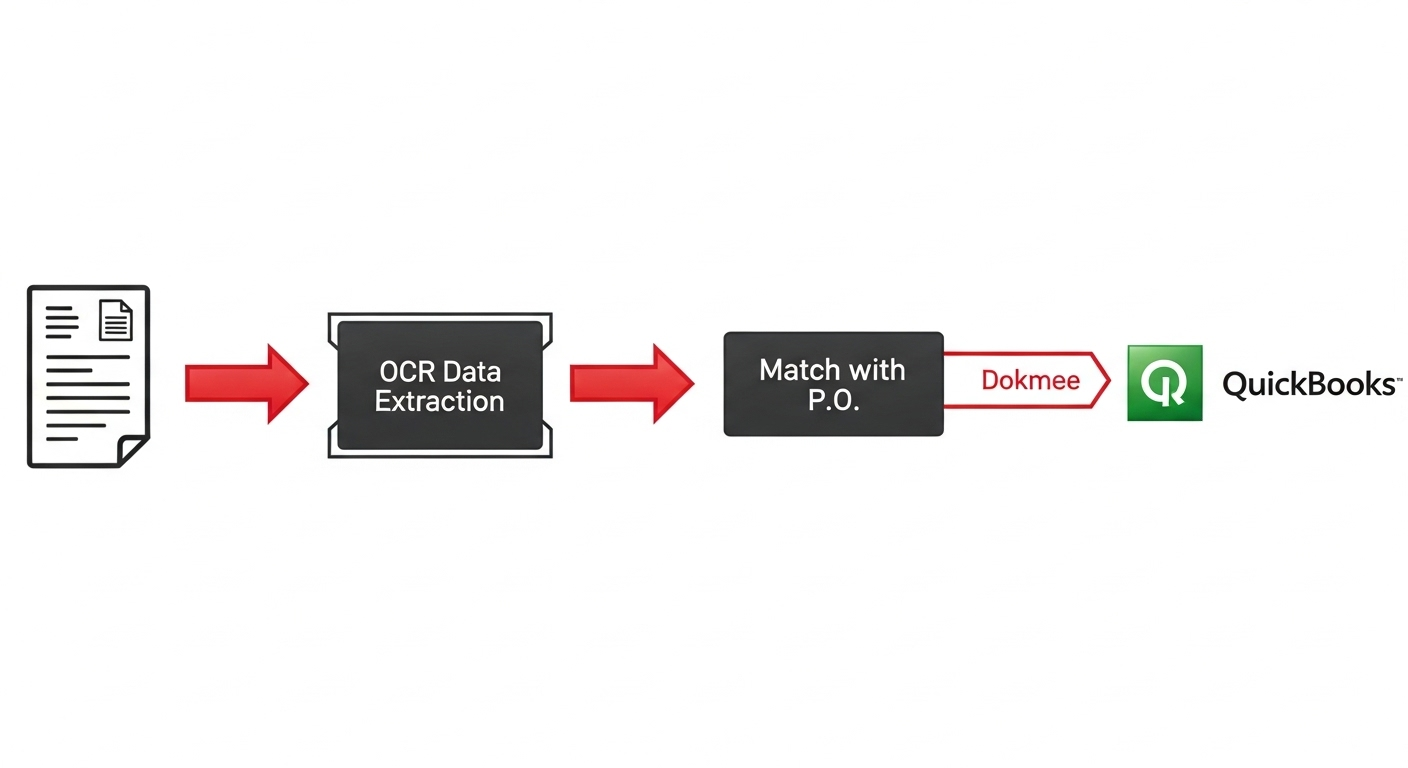
When an invoice arrives via email or client portal, the system handles:
Data extraction: OCR technology captures vendor name, amount, and due date
Automatic matching: Invoices are matched to purchase orders and routed to appropriate team members
Workflow tracking: Once the document is ready, members will receive notifications at the right time and the entire process is tracked for audit purposes
Software integration: Approved invoices automatically sync to QuickBooks or Xero for payment processing
This eliminates double data entry, reduces errors, maintains complete audit trails, and most importantly, reclaims hours initially wasted on this repetitive task for your team.
Use Case 4: Multi-Location Collaboration
Accounting firms with multiple offices or remote staff need uninterrupted document sharing and collaboration capabilities. A DMS provides centralized access to client files regardless of physical location.
Remote collaboration features include:
Real-time synchronization: Remote team members access the same current documents as office-based staff
Version control: Prevents conflicts when multiple team members work on the same client files
Load balancing: Workflow automation routes documents to available staff regardless of location
Secure access controls: Remote staff can only access appropriate client files while maintaining security standards
This coordination helps manage seasonal workload fluctuations more effectively across all locations. Your team can remain productive and up-to-date wherever they are.
Benefits of a DMS for Accountants
While benefits are endless, there are 4 major benefits that stand out:
Modern DMS come with secure client portals where customers can safely upload tax documents and review financial statements.
Meanwhile, the detailed audit trails log every document interaction (accessing, editing, deleting) with a timestamp and user identification.
This eliminates security vulnerabilities and reduces client calls about basic account information.
Instead of scrambling through filing cabinets during audit season, you can generate complete document packages in minutes and save your team the stress associated with frantic, last-minute searches when the regulatory officer is at the door.
Modern DMS solutions automatically compile audit packages based on predefined criteria and maintain perfect version control. They give you the confidence you need during IRS examinations or state reviews.
When 30% of staff time is recovered from document hunting, that translates into immediately responsive client service.
Instead of promising callbacks while you search for files, you’re confidently accessing complete client histories during conversations.
These routine interactions turn into impressive demonstrations of professionalism and show that you’re to be trusted. Down the line, this attracts even more clients.
This combination of efficiency and reliability deletes the traditional trade-off between taking on more clients and maintaining service quality.
Many firms discover they can serve far more clients with the same staff. In other words, document organization becomes their most important business growth investment.
Ready to Transform Your Document Management?
Struggling with document management shouldn’t be an inevitable part of accounting practice.
When every client file, tax document, and financial record is organized, secure, and instantly accessible, your entire practice operates more efficiently and professionally.
Dokmee understands the challenges facing accounting firms and provides the specialized tools you need to eliminate document stress while ensuring bulletproof compliance.
Our specialists can show you exactly how our DMS simplifies your workflows and protects your most sensitive client data.
Start your free demo for Dokmee’s DMS solution for accountants