Best Alternative to
DocStar
Document management goes beyond simply storing documents.
It depends on your needs and your documents’ lifecycle. Perhaps you need accurate capture, simple and fast implementation, task management, automated workflows, automated file retention…
If your current DMS or ECM isn’t checking your boxes, you need to find a better fit for you. And quick.
We bring you 5 DocStar alternatives to help you choose software that suits your needs perfectly.
What is DocStar?
DocStar ECM, now part of Epicor, is an enterprise content management solution designed for mid-sized and large organizations.
The platform helps organizations capture, store, manage, and automate document-centric processes while integrating with business systems such as ERP, CRM, and accounting software.
DocStar supports both structured and unstructured content and is particularly popular among organizations already using Epicor ERP solutions.
Content management
DocStar allows you to sort your company’s content through metadata tagging.
Within your files, you can comment, add annotations, and edit in real-time. All changes will be saved through version control.
DocStar provides flexibility when organizing your content, so you can store and retrieve documents whenever you need to.
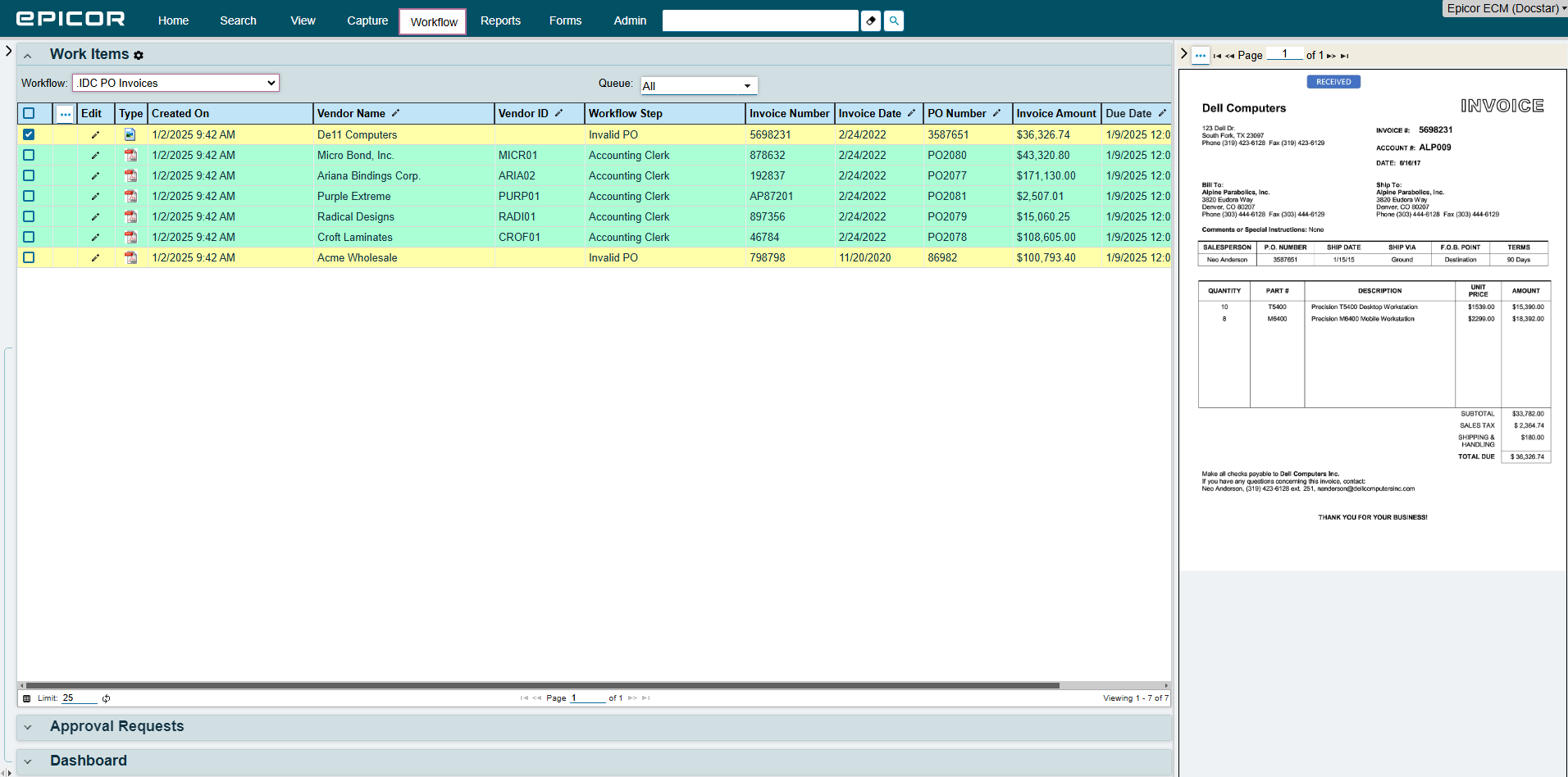
Document capture
DocStar uses OCR and machine learning to read, classify, and extract data from relevant document.
DocStar’s intelligent document capture is a scalable tool that can route documents directly into the appropriate workflow.
However, users have reported that the initial setup requires serious technical expertise.
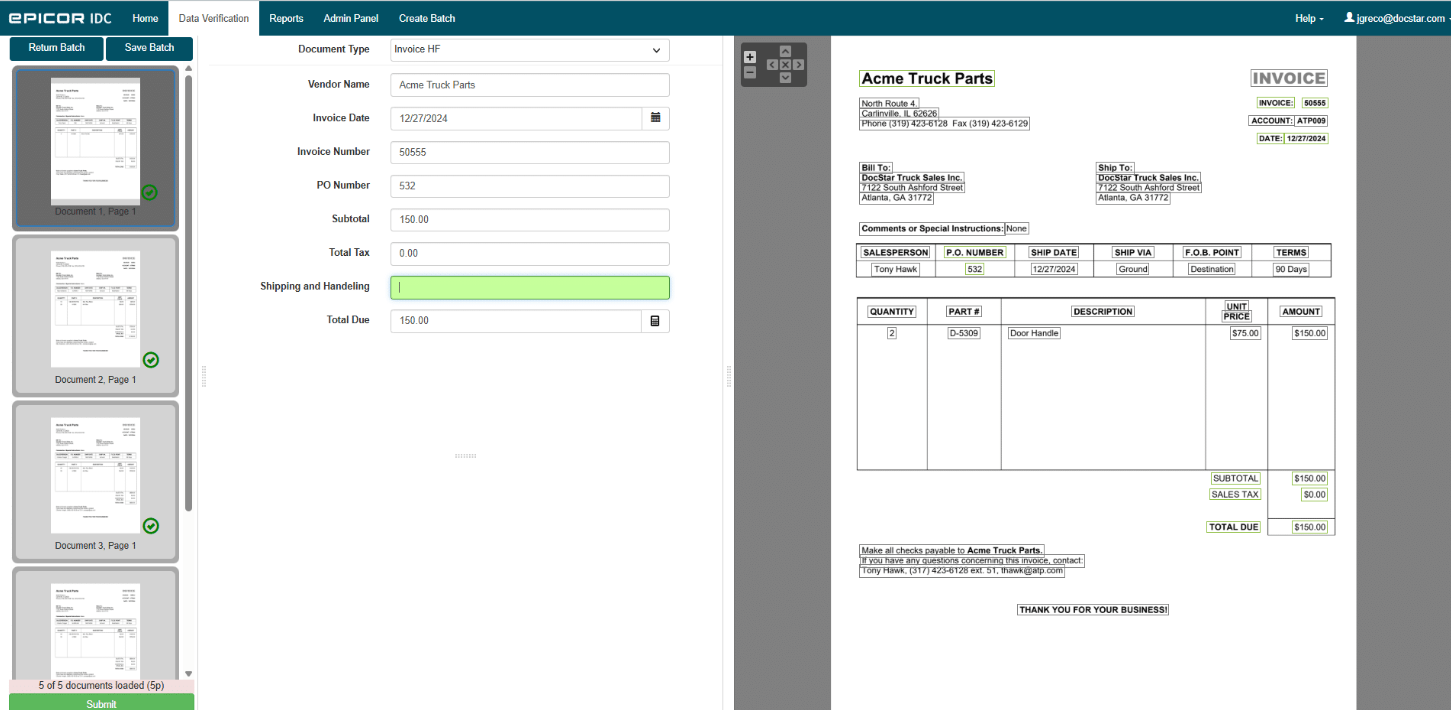
Workflow automation
Like most ECM software, DocStar included automated workflows for approval chains.
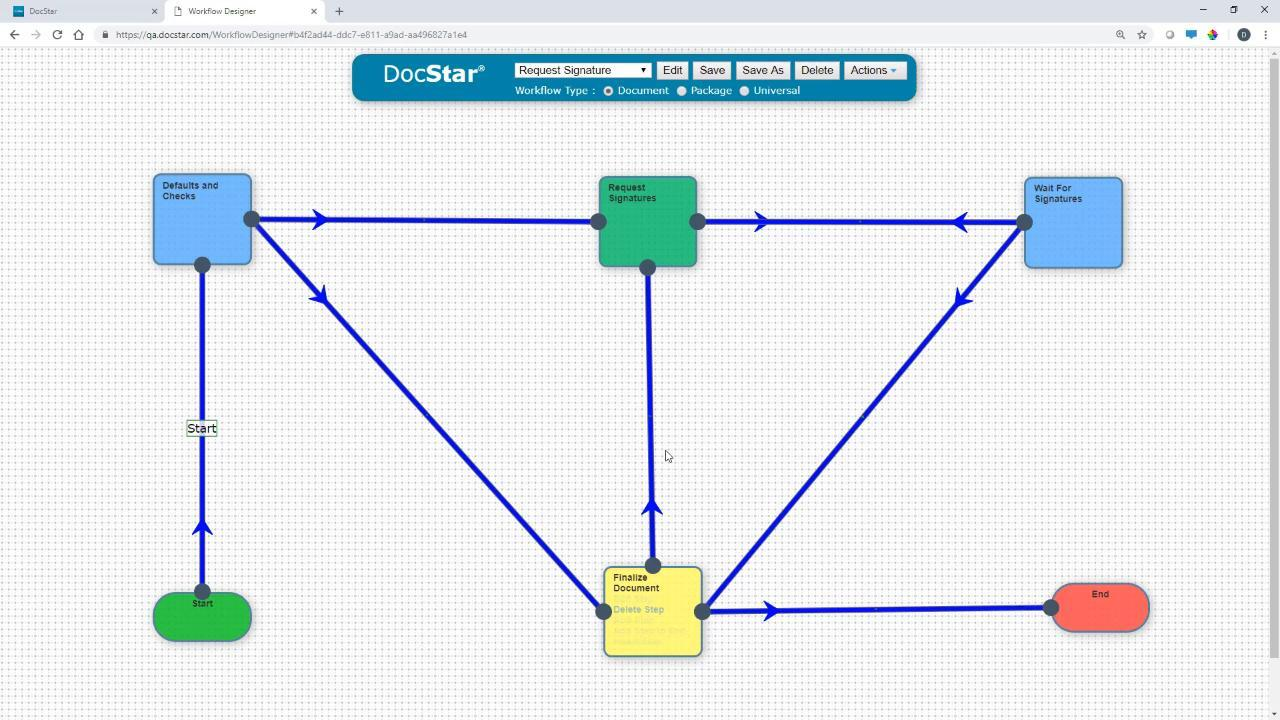
You can design multi-stage workflows with triggers, parallel approvals, and conditional rules.
For example, an invoice might pass from an AP clerk to a department head to a CFO automatically, with full visibility at every step.
Although it has a very simple workflow designer, your workflows may have to be on the simple side.
Security and compliance
Every action, viewing, editing, or deleting, is logged in audit trails, which is an important features in any ECM software, especially if you work under strict regulatory requirements such as HIPAA, SOX, or GDPR.
When should you choose DocStar?
DocStar is a good choice for organizations that need a combination of document management, workflow automation, compliance tools, and ERP integration.
The platform is popular in industries such as manufacturing, healthcare, finance, distribution, and government, where managing large volumes of documents and meeting compliance requirements are essential.
However, organizations that need more advanced AI features, faster implementation, greater customization, or a more modern user experience may want to explore some alternatives.
5 Best DocStar alternatives
DocStar is a good choice, but let’s compare it to 5 more DMS and ECM solutions to help you understand other tools’ focus to make sure your choice aligns with your company and its specific needs.
Software | OCR Quality | Workflow Automation | Customization & Security | Integration Strength |
|---|---|---|---|---|
Dokmee | ⭐⭐⭐⭐⭐ | ⭐⭐⭐⭐ | ⭐⭐⭐⭐⭐ | ⭐⭐⭐⭐ |
DocuWare | ⭐⭐⭐⭐ | ⭐⭐⭐⭐⭐ | ⭐⭐⭐⭐ | ⭐⭐⭐⭐ |
Microsoft SharePoint | ⭐⭐ | ⭐⭐ | ⭐⭐⭐ | ⭐⭐⭐⭐⭐ |
M-Files | ⭐⭐⭐⭐ | ⭐⭐⭐⭐ | ⭐⭐⭐⭐ | ⭐⭐⭐⭐ |
NetDocuments | ⭐⭐⭐⭐ | ⭐⭐⭐⭐ | ⭐⭐⭐⭐⭐ | ⭐⭐⭐⭐ |
1. Dokmee
⭐⭐⭐⭐⭐ Ratings
G2 4.5/5 | Capterra 4.7/5
Overview
Dokmee is one of the most comprehensive and scalable alternatives to DocStar.
It offers both DMS and ECM solutions so you can choose the type of platformt hat fits your needs and upgrade or downgrade when needed.
Additionally, Dokmee offers modular subscriptions. Meaning you can add document capture, E-forms, cloud ECM and other features as need by.
This means you pay only for what you need.
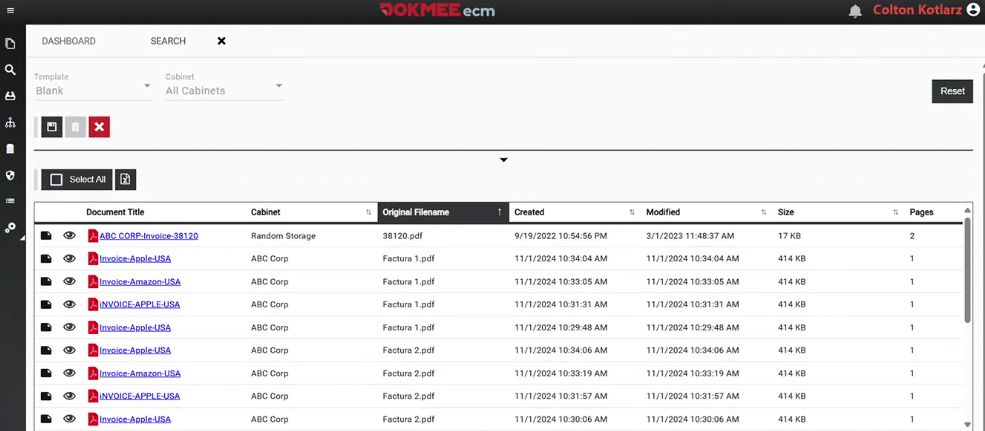
One of Dokmee’s major benefits is that it is a completely customizable tool. You can create as many files, metadata tags, and indexing as you require and assign individual roles and permissions to ensure only authorized team members can edit, sign, view, or share your documents.
Dokmee Capture can handle large volume of files, automatically classifying and indexing them using metadata tags, and it works seamlessly with the native Electronic Forms builder.
When should you choose Dokmee over DocStar
Choose Dokmee if your organization needs automation flexibility and deep customization.
It is ideal for businesses that need precise OCR capabilities, secure metadata tagging, and easy integration into existing workflows.
Dokmee’s modular design also makes it a better fit for organizations that expect to expand or customize their document management ecosystem over time.
Some industries that benefit form Dokmee ECM include government, education, manufacturing, real estate, human resources, and more.
2. DocuWare
⭐⭐⭐⭐⭐ Ratings
G2 4.4/5 | Capterra 4.6/5
Overview
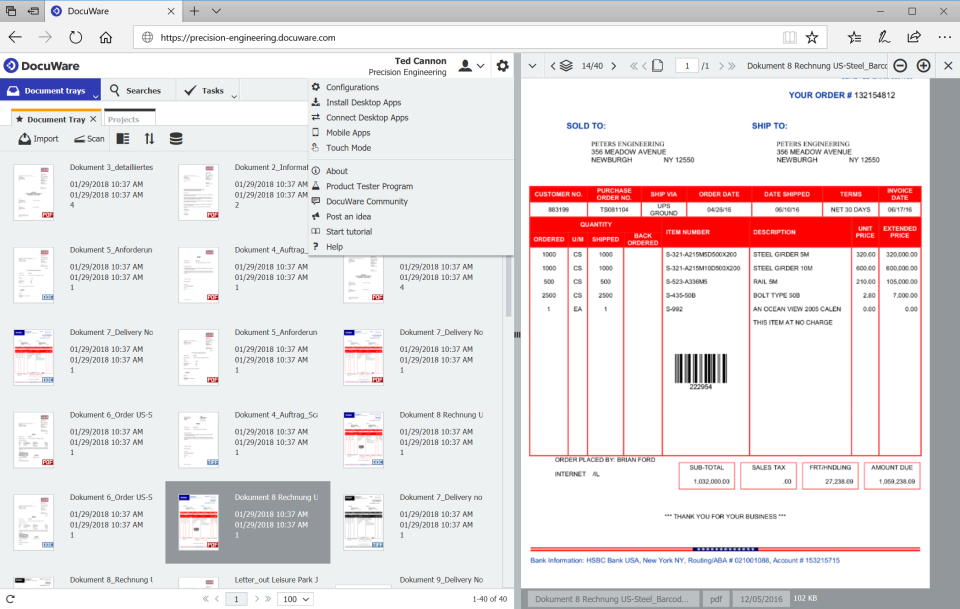
DocuWare is a document management and workflow automation platform popular with small and mid-sized businesses.
The platform includes document capture, secure storage, workflow automation, electronic approvals, and advanced search functionality.
Common use cases include invoice processing, employee onboarding, contract management, and other document-driven workflows.
DocuWare has expanded its AI and Intelligent Document Processing (IDP) capabilities, allowing organizations to automatically classify documents, extract data, and streamline repetitive tasks.
When should you choose DocuWare over DocStar
Choose DocuWare if your priority is automating business processes and improving efficiency through digital workflows.
DocuWare is also a good choice if you are looking to reduce manual document handling through AI-powered document processing and workflow automation.
Compared to DocStar, it generally offers a more streamlined experience while still providing the document management, compliance, and automation features most organizations need.
3. Microsoft SharePoint
⭐⭐⭐⭐ Ratings
G2 4/5 | Capterra 4.4/5
Overview
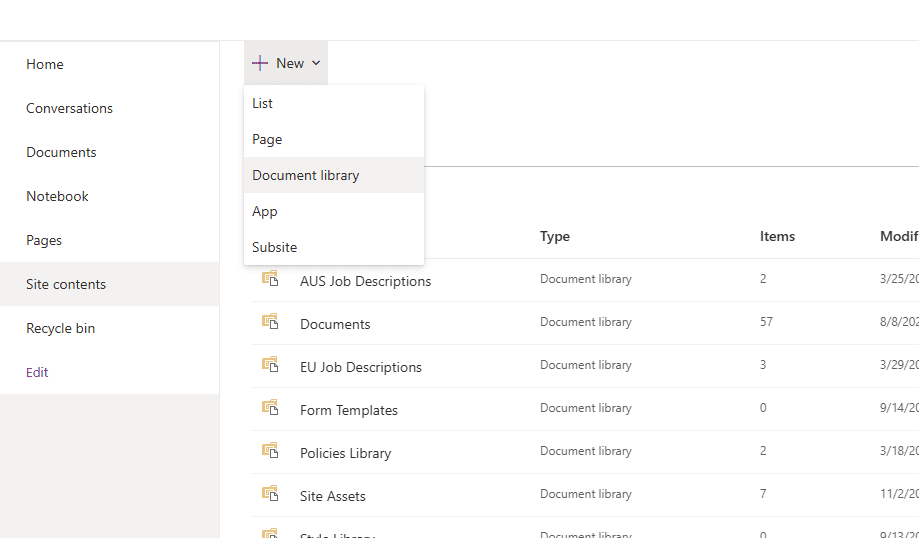
Microsoft SharePoint is a document management and collaboration platform built into the Microsoft 365 ecosystem.
One of SharePoint's biggest strengths is its integration with Microsoft applications such as Teams, Outlook, Word, Excel, OneDrive, and Power Automate. Users can collaborate on documents simultaneously, manage version history, control permissions, and create centralized hubs for company information and projects.
While SharePoint was not a dedicated ECM platform to begin with, Microsoft has significantly expanded its capabilities through tools such as Microsoft Syntex, Power Automate, AI Builder, and Microsoft Copilot.
When should you choose SharePoint over DocStar
Choose SharePoint if your organization prioritizes collaboration, accessibility, and integration with Microsoft 365.
It is a good option for businesses that want a centralized location for documents, communication, and project collaboration while maintaining a familiar user experience for employees.
While DocStar offers stronger out-of-the-box document management and workflow capabilities, SharePoint provides greater flexibility when combined with Microsoft's broader ecosystem.
4. M-Files
⭐⭐⭐⭐⭐ Ratings
G2 4.4/5 | Capterra 4.4/5
Overview
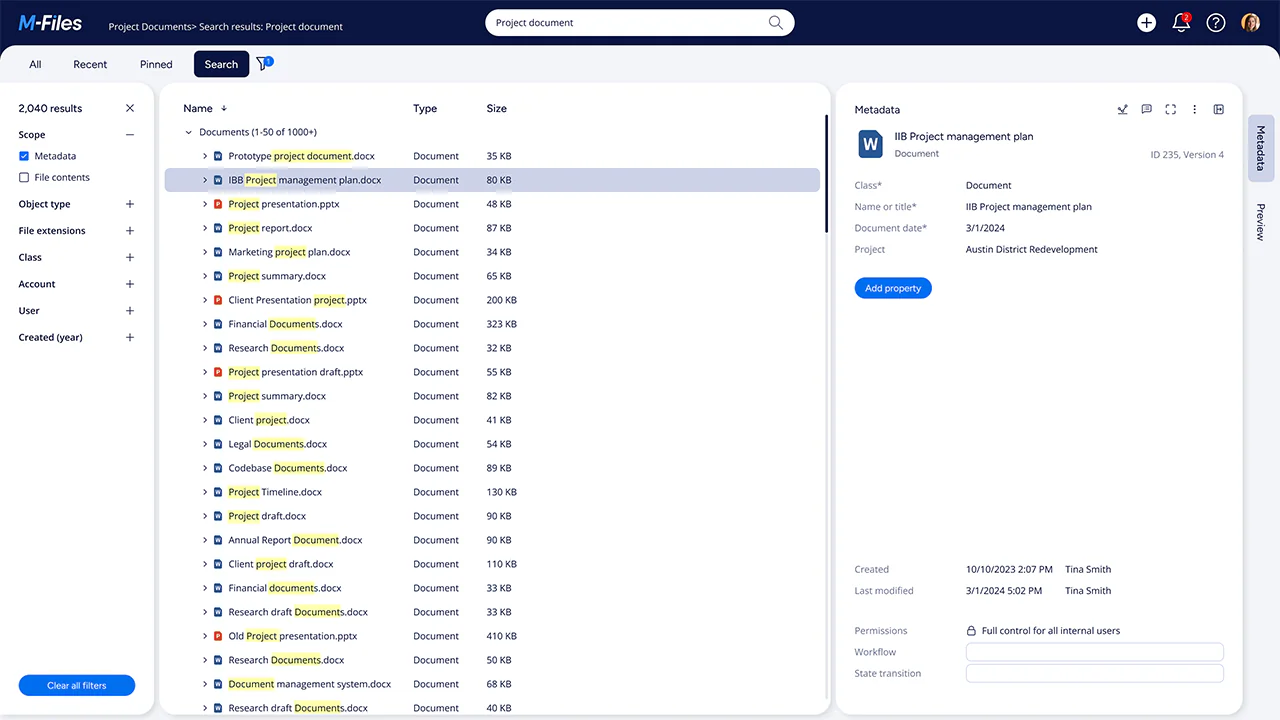
M-Files is a document management platform that uses a metadata-driven architecture that classifies documents based on what they are, making it easier to find and manage information regardless of where it is stored.
The platform combines document management, workflow automation, version control, compliance management, and integrations with popular business applications such as Microsoft 365 and Salesforce.
M-Files has expanded its AI-powered capabilities, including automated document classification, intelligent search, and workflow recommendations.
While M-Files delivers powerful automation and information management capabilities, organizations may need time to adapt to its metadata-based approach, particularly if they are accustomed to traditional folder structures.
When should you choose M-Files over DocStar
Choose M-Files if your organization manages complex information and wants a more intelligent way to organize and retrieve documents.
Its metadata-driven structure, AI-powered search, and automation tools make it especially effective for businesses that need fast access to information across multiple departments and systems.
M-Files is particularly strong in industries such as legal, finance, engineering, and professional services, where compliance, version control, and information governance are critical.
Compared to DocStar, M-Files offers a more advanced approach to information management, making it a strong choice for organizations that value automation, AI, and metadata over traditional file-based organization.
5. NetDocuments
⭐⭐⭐⭐ Ratings
G2 3.8/5 | Capterra 4.2/5
Overview
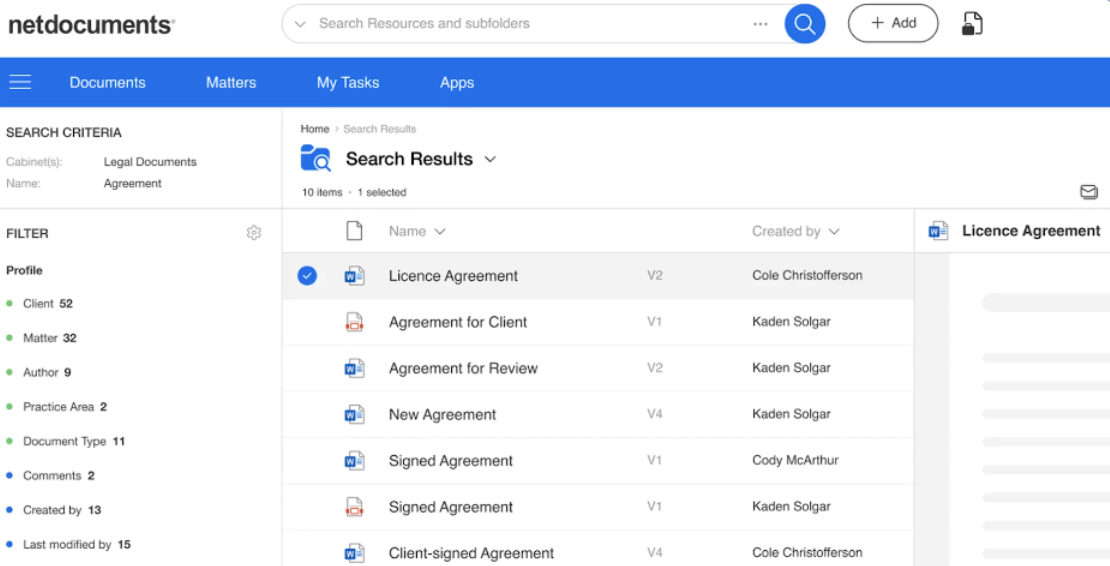
NetDocuments is a cloud-based document management platform designed for organizations that require strong security, governance, and compliance controls.
It is particularly popular among legal, accounting, financial services, and other highly regulated industries that handle sensitive client and business information.
While NetDocuments prioritizes governance and security, some organizations may find its customization options more limited than those of broader ECM platforms.
However, this structured approach is often viewed as a benefit in industries where compliance, risk management, and data protection are critical.
When should you choose NetDocuments over DocStar
Choose NetDocuments if your organization places a strong emphasis on security, compliance, and information governance.
Its cloud-first architecture, detailed audit trails, and advanced access controls make it an excellent choice for businesses that manage highly sensitive client, financial, or legal information.
NetDocuments is particularly well suited for legal firms, accounting practices, financial institutions, and other regulated industries.
Compared to DocStar, it offers a more specialized environment for secure document management and compliance, making it a strong choice for organizations where data protection and regulatory requirements are top priorities.
Which DMS is right for you?
All DMS and ECM will manage and store your documents, however, its the extras that will decide if a tool is right for you or not.
For example, do you need a modern UI? Strong file retention features? Accurate document capture with OCR? What about integrations?
There are many questions to be answered.
However, we can narrow it down for you.
Choose DocStar if you need an ECM with OCR, workflows and integrations for general business use.
Choose Dokmee if you want maximum customization, modular design, advanced OCR, automated indexing and powerful workflows.
Choose DocuWare if your priority is workflow automation and process efficiency rather than accurate document storage and capture.
Choose SharePoint if you mainly need collaboration and document sharing within Microsoft 365.
Choose M-Files if you want a smart, metadata-driven approach to document organization.
Choose NetDocuments if you work in a regulated industry where security, auditability, and compliance are non-negotiable.
If you’re ready to try out the most complete ECM, contact Dokmee now.