
Legal DMS: Why Document Management Is a Law Firm’s Best Defense
 5 min read
 Christina Miranda

The firm that controls its information controls the outcome of the case. Each contract, each piece of evidence and each communication with the client are data that can tip a case or influence judicial decisions. Unfortunately, for many law firms, this decisive information gets lost among mountains of documents in disorganized files […]
The firm that controls its information controls the outcome of the case.
Each contract, each piece of evidence and each communication with the client are data that can tip a case or influence judicial decisions.
Unfortunately, for many law firms, this decisive information gets lost among mountains of documents in disorganized files.
Legal malpractice lawsuits have resulted in an average of $228,000 in payouts, many of which are due to simple documentary errors.
At the same time, an IDC study indicates that 21.3% of productivity losses are due to version management problems.
That is why a DMS solution for legal teams must be your essential ally.
What is a DMS for legal teams?
For legal teams, a document management system (DMS) is specialized software that secures, organizes, and controls every document in your firm. It manages everything from contracts and court proceedings to client communications and court filings.

Unlike standard cloud storage, such as Google Drive or Microsoft OneDrive, a legal DMS offers the specific functions needed to comply with regulations and preserve attorney-client privilege.
Why do you need a DMS in your law firm?
Relying on traditional document management methods, such as shared drives and email attachments, is inefficient. This multiplies the risks that directly threaten your firm’s profitability and reputation.
The only way to reduce these risks is to integrate a true document management strategy. These are the main problems you will solve with a DMS:
| Risk | Consequences |
|---|---|
| Malpractice actions | The loss of a document or missing a deadline can lead to a conflict with the client and a costly malpractice lawsuit. |
| Lost billable hours | Every minute a lawyer spends searching for a file is a minute that cannot be billed. This directly reduces revenue. |
| Compliance failures | Without clear traceability, responding to a bar association audit or a request from authorities becomes a risky and stressful exercise. |
| Damage to client trust | Disorganization and slowness damage client trust and your firm’s reputation. |
How law firms use a DMS to face operational challenges
A DMS has many applications.
Modern firms use it as an active tool to solve their operational problems. These are some of the main use cases:
Use Case 1: Matter-centric file management
A complex litigation case generates thousands of documents: petitions, procedural documents, correspondence, evidence, over several years.
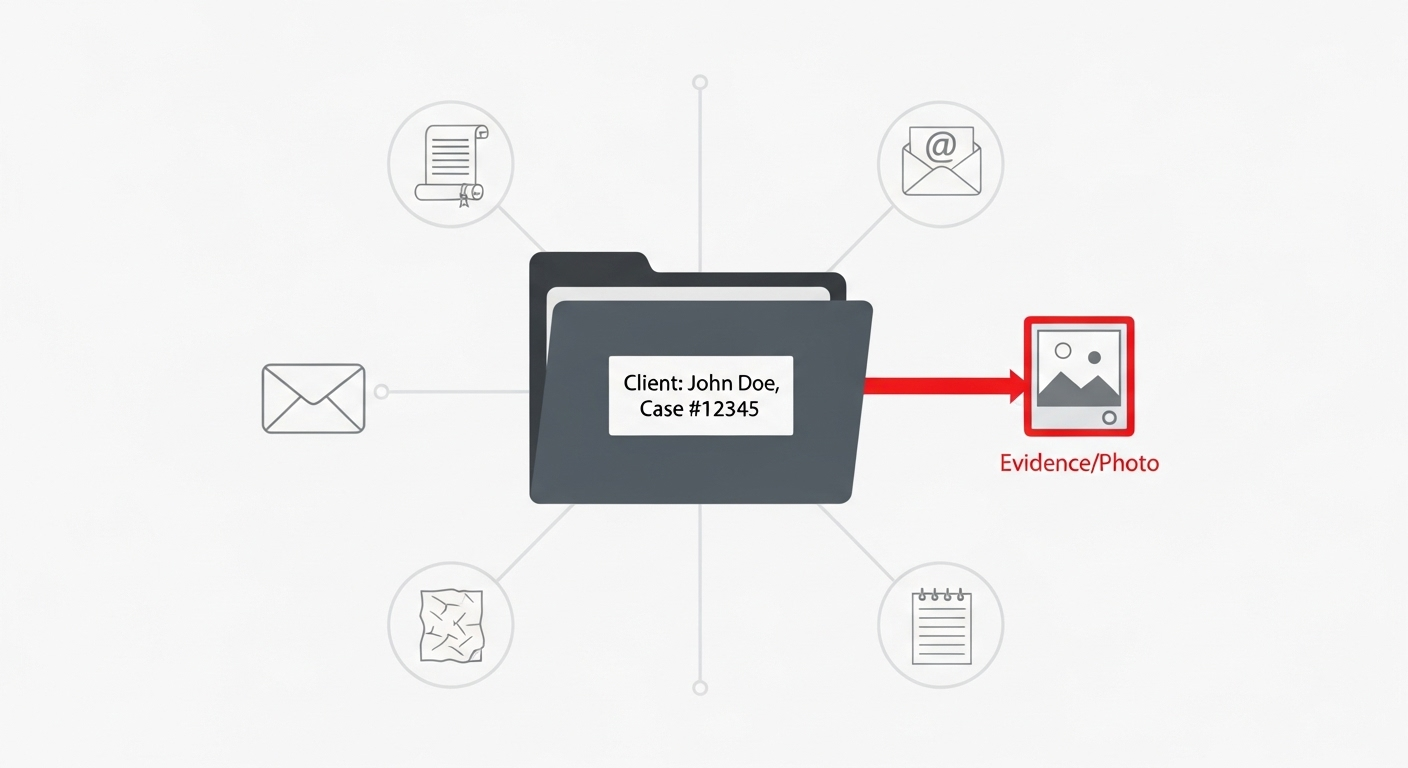
Without a central file, associates waste billable hours repeating searches that have already been performed elsewhere in the firm’s archives.
With a DMS, this problem disappears:
- Each case is organized into a digital “matter file”.
- This central file contains all associated documents, emails, and notes.
- Advanced search functions allow your team to instantly find a document by client name, case type, date, or even by a specific keyword within the text itself.
Result: a search that used to take hours becomes a matter of seconds.
Your team focuses on legal strategy instead of document archaeology, and partners can access essential precedents instantly during hearings for better results.
Use Case 2: Contract version control
Two lawyers are working on the same contract.
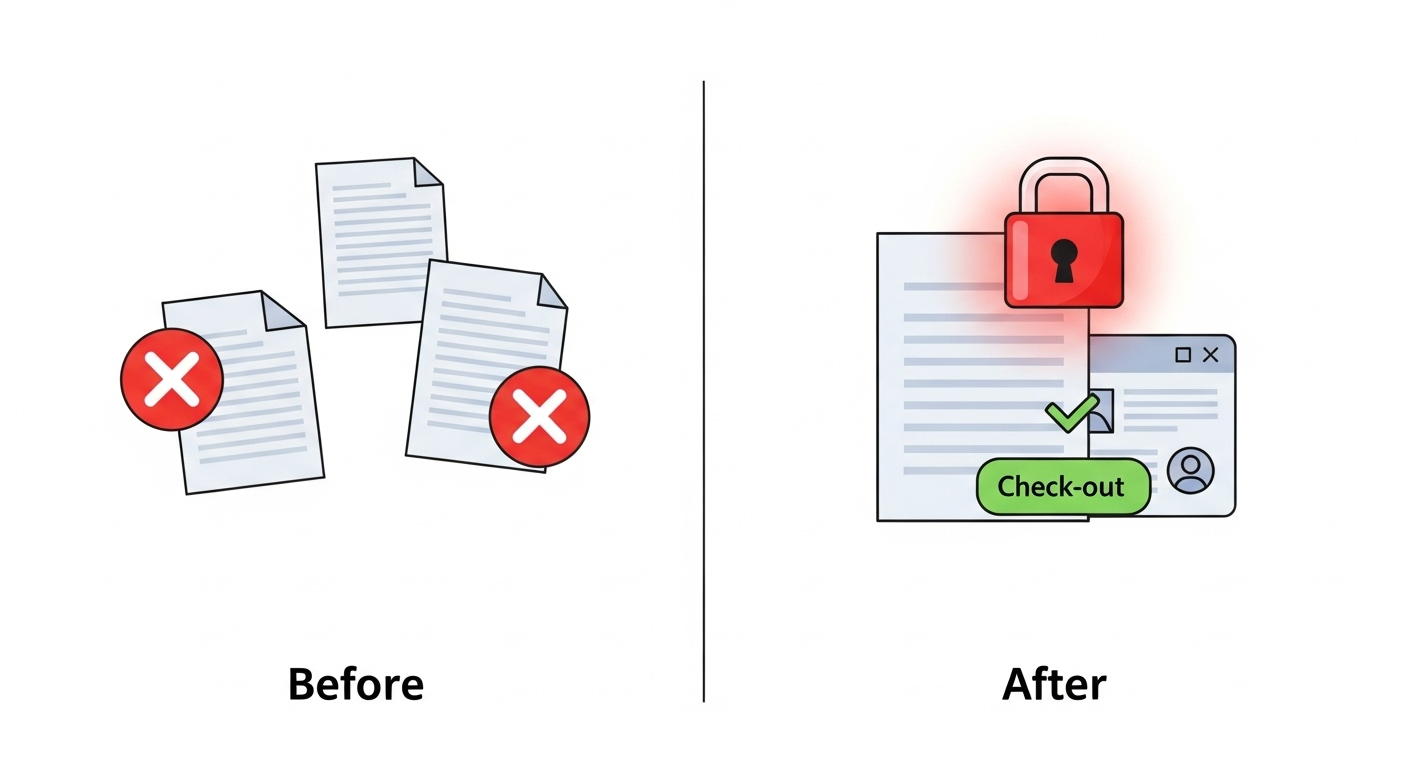
One works on a version saved on their desktop, the other on an email attachment.
When the final versions are brought together, they realize they have omitted a critical clause, which creates a major liability for the client.
A DMS eliminates this problem through a “check-out/check-in” system:
- To modify a contract, a lawyer must “check it out”, which locks it for other users.
- When it is validated and uploaded again, the DMS creates a new official version and records every modification with a timestamp and the author’s name.
In this way, versioning errors that could lead to a malpractice lawsuit are eliminated. Negotiations accelerate and everyone works on the single official version.
Use Case 3: Compliance and audits always ready
The bar association sends you an audit request, demanding certain client files and invoices, with only a few days’ notice.
Your administrative team must stop everything to search through archives and computer folders, hoping nothing is missing.
A DMS automates your document retention policy:
- It marks documents for archiving or destruction according to defined rules.
- Every time a document is accessed, modified, or shared, that action is recorded automatically, creating perfect traceability.
Thus, compliance requests that previously caused general panic become simple administrative tasks. You can present any document upon request, with total confidence in the accuracy and integrity of your archives.
How a DMS automates workflows in law firms
Some tasks take too much time. The integration of a DMS in your firm allows for the automation of common processes, helping your team recover hours for higher-value work.
New client onboarding
- Before
New client documents arrive via email and postal mail. Intake forms are scattered and conflict checks require manual searching through old files. This process can last hours.
- With a DMS
A new client form automatically creates a digital matter file.
The system can then search for all possible conflicts within your document database in an instant. Engagement letters and fee agreements are sent, signed, and filed automatically, with the correct security controls from day one.
Result: you onboard your new clients faster, project a professional image, and avoid ethical lapses that can damage the firm’s reputation.
Contract review
- Before
A draft contract travels between your office, your client, and the opposing party via email. Multiple versions exist at the same time and no one really knows who has the latest one or if it has been validated.
- With a DMS
An automated workflow moves the contract through the predefined approval route. Each participant is notified when it is their turn for review.
The system tracks the status in real time and all comments and modifications are centralized.
Thanks to this automation, contract reviews that took weeks of back-and-forth emails are completed in a few days, with perfect traceability and no versioning errors.
Discovery process management
- Before
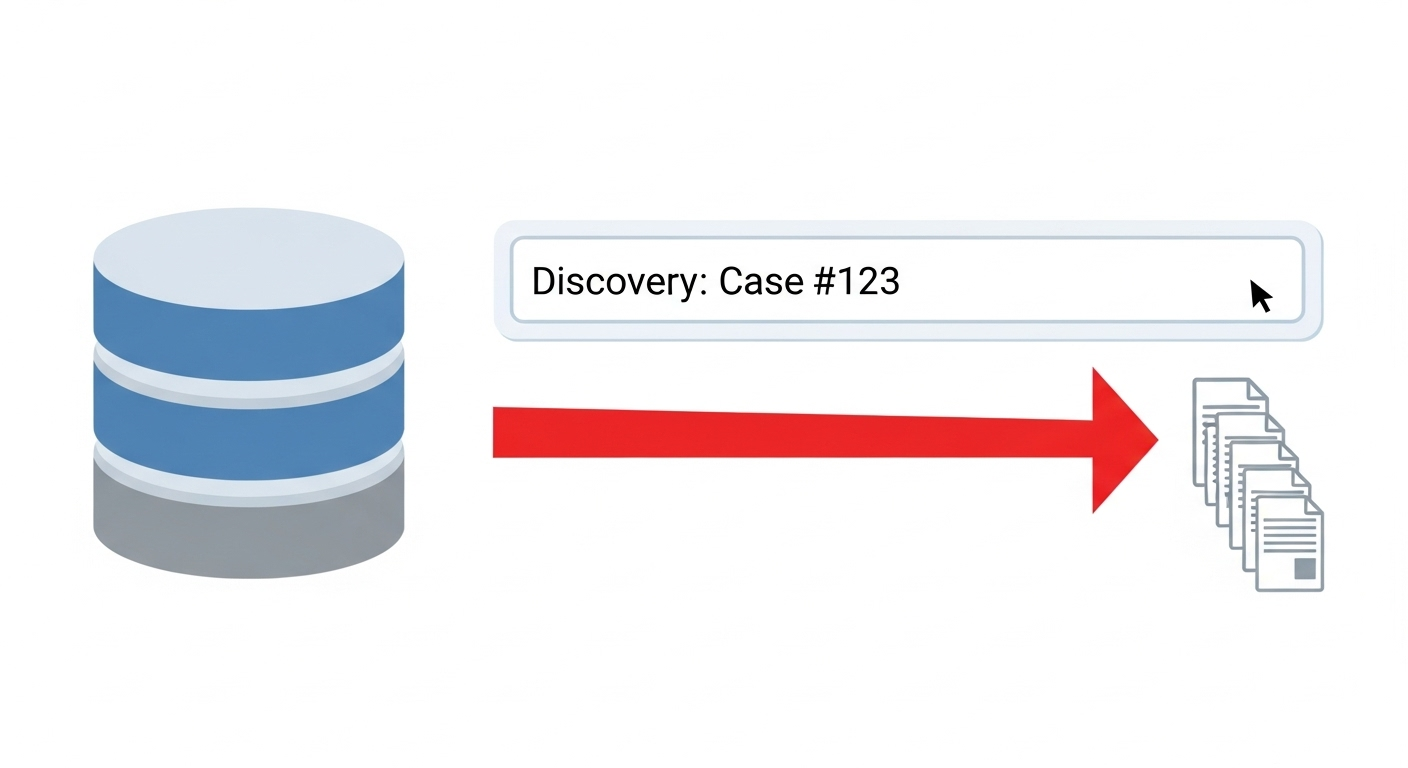
A discovery request from the opposing party triggers a general mobilization, with searches in emails, shared drives, and physical file boxes.
It is stressful, time-consuming, and there is a high risk of overlooking something important.
- With a DMS
Advanced search tools instantly scan all the firm’s documents.
You can apply a “legal hold” to all affected documents with a single click to prevent their deletion. Integrated redaction tools allow for the removal of confidential information before transmission.
In this way, you respond to discovery requests quickly and smoothly, eliminating stress and non-billable hours dedicated to litigation support.
Protect your firm and your reputation with Dokmee
Practicing law today requires much more than legal expertise. Your firm must be high-performing in all circumstances.
Your ability to manage information directly impacts your profitability and your professional image.
At Dokmee, we understand the challenges of modern firms.
Our DMS offers matter-centric document management, foolproof security, and automated workflows to move from a reactive approach to strategic and proactive management.
From solo practitioners to large firms, Dokmee adapts to your needs, providing tools to protect both your clients and your reputation.
Are you ready to become the benchmark of legal excellence?
Schedule your free legal DMS strategy session
Frequently Asked Questions
How does a legal DMS prevent malpractice actions?
A legal DMS creates exhaustive traceability of document access, modifications, or transmissions.
This documentation demonstrates compliance with deadlines and professional standards, while ensuring that no essential document is lost or forgotten.
Can a DMS integrate with our existing legal software?
Yes, professional DMS solutions can integrate with most law firm management programs, billing programs, and electronic court filing systems.
What functions are essential for attorney-client privilege?
A legal DMS must offer role-based access controls (so that only authorized users see a file), end-to-end encryption, and complete audit logs. These functions ensure a secure environment for confidential client information.
How much time can a DMS save my firm?
Most firms see a gain of 10 to 15 hours per lawyer per week on document tasks after implementing an appropriate DMS.
This saved time can directly increase billable hours or allow for improvements in the quality of service provided and case outcomes.
How does a DMS help in case of a bar association audit?
A DMS automates compliance with retention standards and creates perfect, unalterable traceability for each client file. When an auditor requests documents, you can present them instantly with total confidence.
Get in Touch with Our
Enterprise ECM Experts
Schedule Your Free Demo—Anytime, Anywhere
Experience enterprise-grade ECM with zero hidden fees and instant ROI:
- Instant 24-hour callback—you choose the time.
- Tailored to your workflows—no cookie-cutter pitches.
- ROI in 60 days—most enterprises recoup costs fast.
“Dokmee cut our retrieval time by 70%—we saw ROI in 45 days.”
Chad P., CTO