5 Best FileBound Alternatives in 2026: Fully Compared
Are you still looking for an ECM that can store your documents, automate your workflows and simplify data collection with electronic forms?
If so, you may have hear of FileBound. But how can you be sure it is the right fit for you?
Today we bring 5 FileBound alternatives to help you choose the perfect ECM for your business.
Short Answer
If you’ve outgrown FileBound’s basic capture tools or need a different mix of deployment, metadata, and enterprise automation, here's a quick summary of how the top 5 alternatives compare:
Dokmee is best for teams wanting advanced OCR capture, automated indexing, modular pricing, and flexible on-premises or cloud deployment.
Laserfiche is best for heavily regulated organizations that need enterprise-grade compliance, deep records lifecycle management, and complex workflow automation.
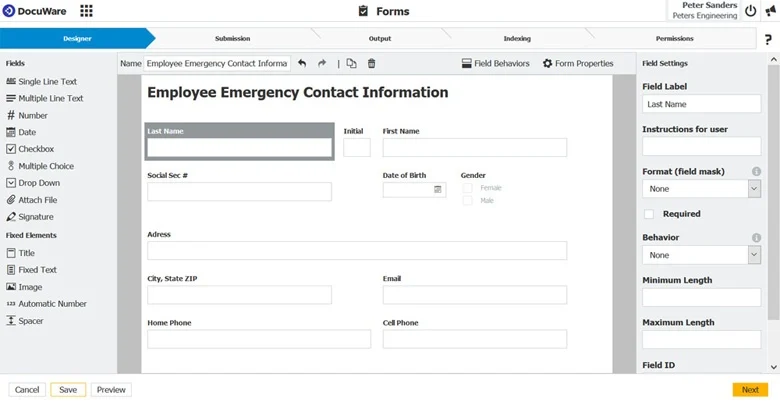
DocuWare is best for finance and HR departments looking for cloud-first document capture, pre-built approval workflows, and digital forms.
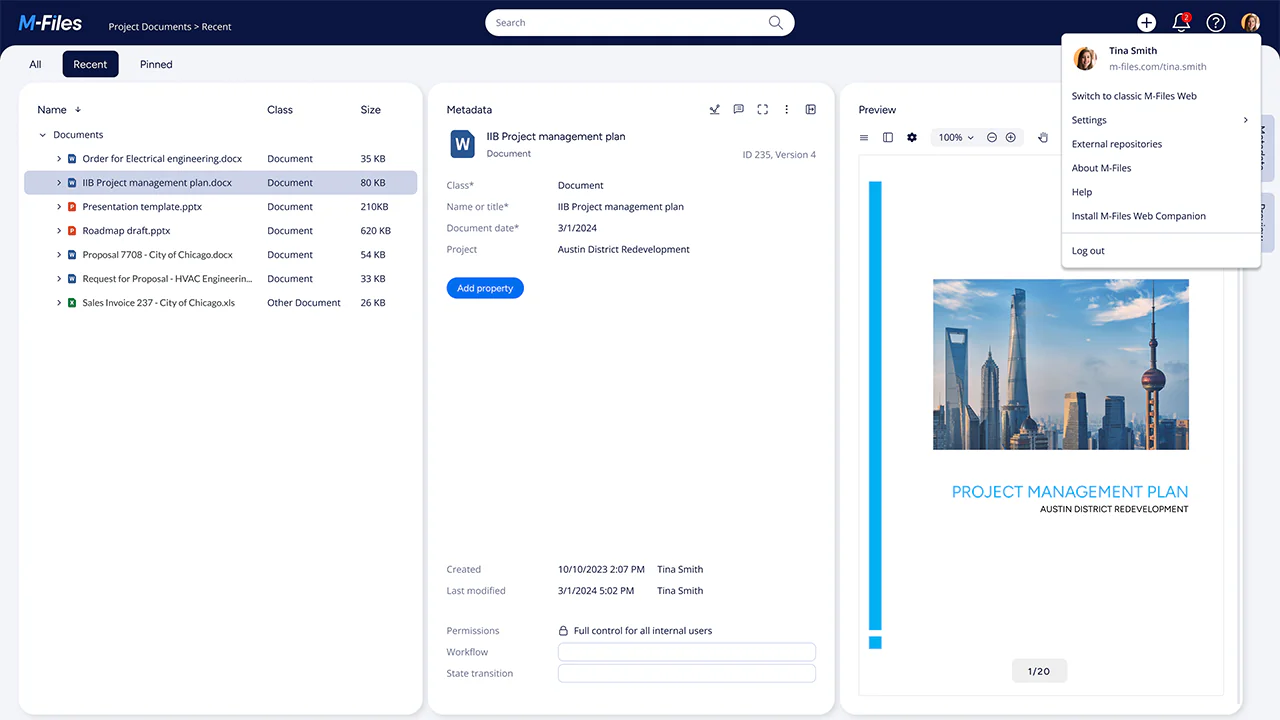
M-Files is best for knowledge workers who want to ditch folder structures entirely in favor of AI-assisted, metadata-driven search.
OnBase (by Hyland) is best for large enterprises, healthcare, and government agencies requiring comprehensive case management and high-scale process orchestration.
What is FileBound?
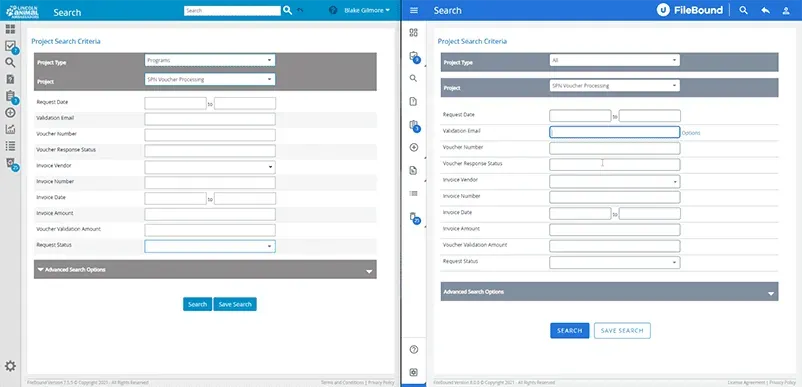
FileBound is Upland's cloud-based ECM platform. It combines document management, workflow automation, electronic forms, and records management to help organizations digitize paper-based processes.
The platform is designed for organizations that want to automate routine business workflows without extensive software development or large IT teams.
Its core capabilities include document capture, OCR, workflow automation, eForms, audit trails, and integrations with common business applications.
Where does FileBound stand out?
FileBound is particularly known for its workflow automation and electronic forms.
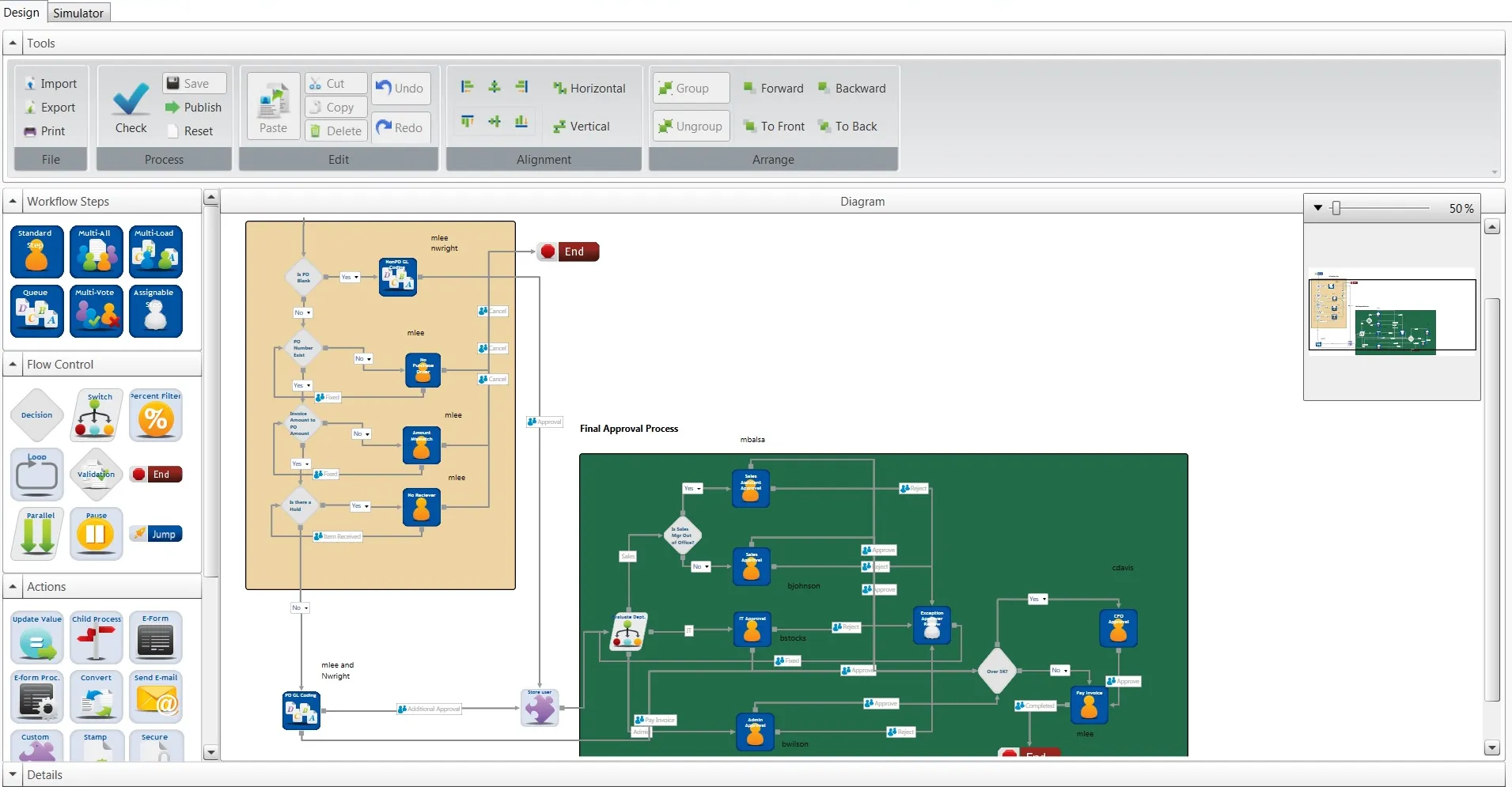
Its no-code workflow designer allows users to create approval processes using a drag-and-drop interface, making it easier to automate routine tasks such as invoice approvals, employee onboarding, and document reviews.
Pre-built workflow templates can also help build basic workflows quickly and with no fuss.
FileBound's eForms module allows organizations to replace paper forms with digital forms that collect information, attachments, and electronic signatures. Submitted information can automatically trigger workflows and populate document records, reducing manual data entry.
For example, a purchase request can be submitted through an online form, routed to a manager for approval, and then forwarded to the finance team for payment processing.
Who is FileBound for?
FileBound is generally best suited for small and mid-sized organizations that want to improve document management and automate everyday business processes without the complexity of larger enterprise ECM platforms.
It is commonly adopted by organizations transitioning from shared network drives or cloud storage platforms to a centralized document management system with workflow automation.
Industries that frequently use FileBound include:
Nonprofits
FileBound helps nonprofits manage grant applications, donor records, volunteer documentation, and internal approvals through digital forms and automated workflows.
Education
Schools and educational institutions use FileBound to manage student records, enrollment documents, HR paperwork, purchase requests, and administrative approvals while reducing manual data entry.
Human Resources
HR teams use FileBound to automate recruiting, onboarding, employee records management, policy acknowledgements, and offboarding workflows, helping centralize employee documentation and standardize HR processes.
When should you consider a FileBound alternative?
FileBound is a solid DMS platform, however, depending on your organization's requirements, another ECM platform may be a better fit.
One common reason organizations evaluate alternatives is workflow complexity. FileBound's no-code workflow builder is well suited for standard approval processes, but organizations with highly customized or multi-stage workflows may prefer platforms with more advanced automation capabilities.
Another consideration is enterprise scalability. If your business manages very large document repositories, multiple departments, or global operations FileBound could fall short in terms of governance, metadata management, or records management features.
FileBound integrates with many business applications, however, if you have complex ERP, CRM, or industry-specific software environments you may benefit from ECM platforms that offer a larger ecosystem of pre-built connectors.
If your plan is to include advanced ECM automation and AI cabilities, you might consider mewer ECM platforms that offer intelligent document classification, automated data extraction, and semantic search to reduce manual document handling.
If one or more of these considerations aligns with your organization's priorities, it may be worth comparing FileBound with other document management and ECM solutions before making a decision.
Best FileBound alternatives
We have established that FileBound is better suited for smaller businesses or businesses that don’t handle excessive amounts of documents.
Many believe that a simple online filing app like Google Drive or OneDrive might be enough, however, these tools can store and share your documents but lack the automation, compliance, and advanced features that true DMS or ECM solutions offer.
In this regard, we bring 5 tools that can be a good alternative to FileBound that include automation, eForms, and advanced document storage.
Metadata-driven organization, AI search, version control
Knowledge-based businesses, IT, consulting firms
Requires metadata planning and setup time
OnBase (by Hyland)
Cloud & On-premises
Enterprise automation, case management, regulatory compliance
Large enterprises, healthcare, finance, government
Expensive implementation and training
1. Dokmee
Rating
G2 4.5/5 | Capterra 4.7/5
Overview
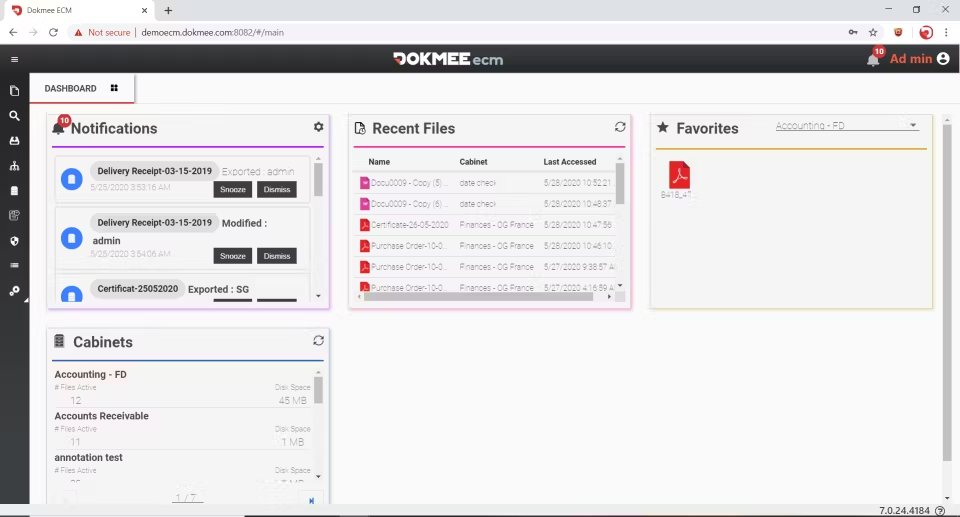
Dokmee is an intuitive and complete DMS and ECM system that provides both automated workflows and a separate product for eForms, but excels in actual document management.
Dokmee’s document management includes advanced security measures, indexing, metadata tagging, file retention, in-app document editing and e-signatures, and many more features, including new AI features.
Dokmee is known for its modular design, meaning you can choose only the features you need, such as document capture, workflow automation, or eForms, without overpaying for the things you don’t need.
The platform is suitable for SMBs and large enterprises alike.
Best features
Document capture with OCR and metadata indexing
Secure document sharing with version control and audit trails
Workflow automation with drag-and-drop configuration and coded option
Integration with CRMs, ERPs, and third-party apps
eForms module for online data collection and routing
Metadata indexing and full-text search
When should you choose Dokmee over FileBound?
Choose Dokmee if document management is your priority and you need stronger document capture, indexing, deployment flexibility, or compliance capabilities alongside workflow automation.
2. Laserfiche
Rating
G2 4.7/5 | Capterra 4.5/5
Overview
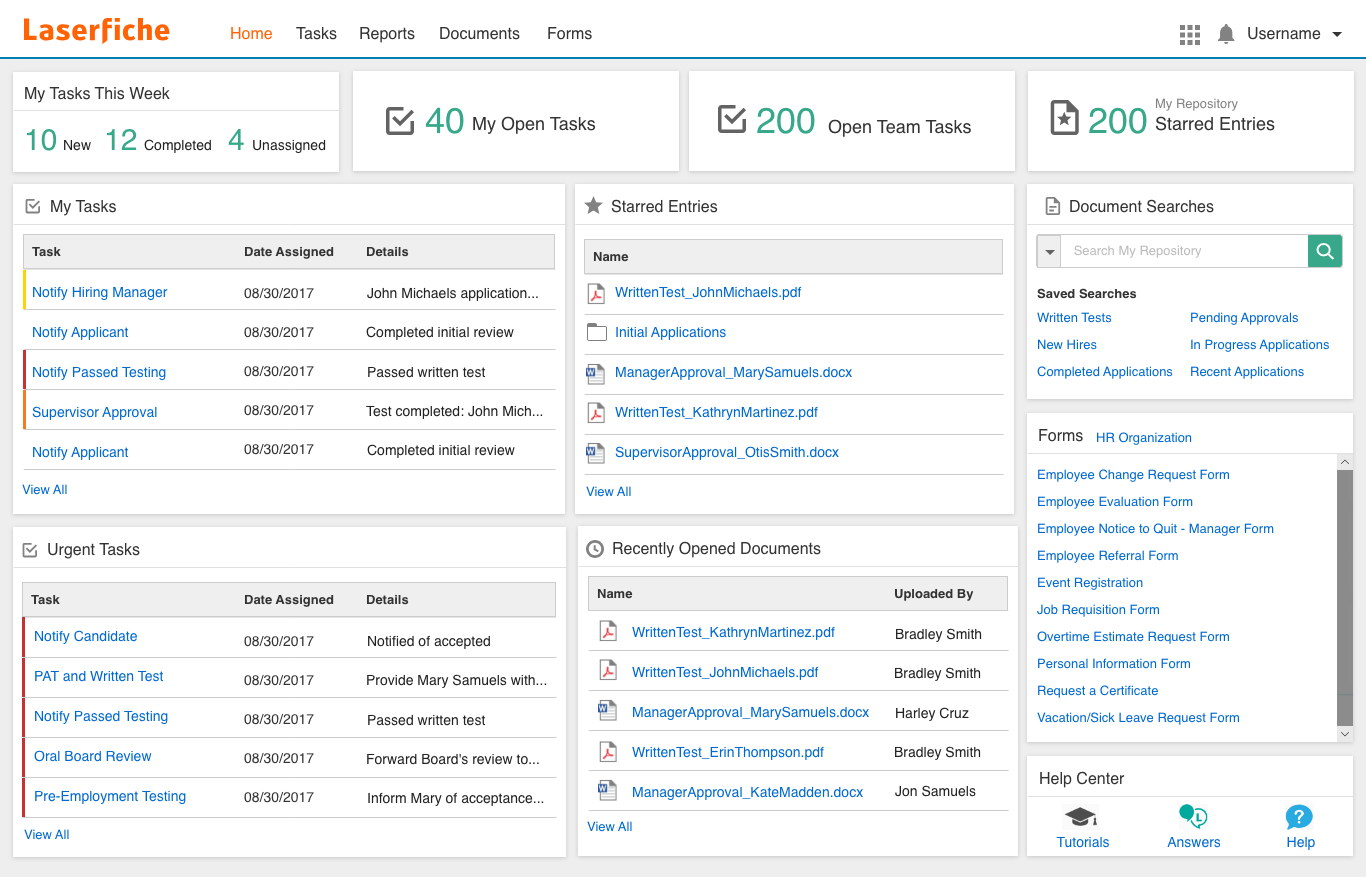
Laserfiche is an ECM platform that combines document management, workflow automation, records management, electronic forms, and business process automation.
It is quite popular in large enterprises and industries such as government, education, healthcare, and financial services, where organizations often require detailed governance, retention policies, and audit capabilities.
Best features
Low-code workflow automation
Intelligent document capture
Records management and compliance
Electronic forms
Microsoft 365 and Salesforce integrations
When should you choose Laserfiche over FileBound?
Laserfiche is a good choice if your organization requires more advanced workflow automation, records management, or compliance features than FileBound provides.
3. DocuWare
Rating
G2 4.4/5 | Capterra 4.6/5
Overview
Like FileBound, DocuWare is a cloud-first document management and workflow automation platform commonly used by finance, HR, and operations teams.
It combines document storage, intelligent indexing, workflow automation, electronic forms, and integrations with ERP, CRM, and HR systems.
Its emphasis on automating task management makes it a common choice for organizations that need to digitize document-driven business processes.
Best features
Intelligent document capture and indexing
Workflow automation
Electronic forms
Version control and audit trails
ERP and Microsoft 365 integrations
When should you choose DocuWare over FileBound?
DocuWare is well suited for organizations that process high volumes of business documents and want stronger document capture and workflow automation while maintaining a relatively straightforward user experience.
4. M-Files
Rating
G2 4.4/5 | Capterra 4.4/5
Overview
M-Files is an ECM platform that organizes documents using metadata instead of traditional folder structures.
Users search for documents based on properties such as customer, project, or document type rather than storage location, helping reduce duplicate documents and improve information discovery.
M-Files also includes workflow automation, version control, permissions management, and AI-assisted document classification.
Best features
Metadata-driven document management
AI-assisted classification
Workflow automation
Version control
Microsoft 365 and Salesforce integrations
When should you choose M-Files over FileBound?
M-Files is a good option if document organization, metadata management, and enterprise search are more important than traditional folder-based document management.
5. OnBase (by Hyland)
Rating
G2 4.4/5 | Capterra 4.3/5
Overview
OnBase is Hyland's ECM platform, combining document management, workflow automation, case management, and records management.
It is commonly used in healthcare, financial services, insurance, and government organizations that manage complex business processes and high volumes of regulated content.
Because of its broad functionality, OnBase generally requires more planning and administration than lighter ECM platforms.
Best features
Document and records management
Case management
Enterprise workflow automation
Compliance and retention management
ERP, EHR, and CRM integrations
When should you choose OnBase over FileBound?
OnBase is a good fit for large organizations that require enterprise-scale workflow automation, case management, and regulatory compliance, and have the IT resources to support a more complex platform.
Which FileBound alternative is best?
FileBound is a capable ECM platform that combines document management, workflow automation, electronic forms, and records management in a solution designed for organizations seeking straightforward process automation.
However, it might not be the perfect fit for you. If you’re choosing alternatives…
Choose Dokmee if you want a balance of document management, workflow automation, flexible deployment, and full customization.
Choose Laserfiche if compliance, records management, and complex workflows are your priorities.
Choose DocuWare if you want strong document capture and automation for finance, HR, or operations.
Choose M-Files if metadata-driven document organization and enterprise search are your primary concerns.
Choose OnBase if you need enterprise-scale ECM, case management, and highly configurable workflows.
The best choice ultimately depends on your organization's document volume, compliance requirements, workflow complexity, and available IT resources rather than on any single feature.
Why switch from FileBound
Advanced Document Capture and Indexing
Dokmee provides superior OCR and automated metadata tagging, making high-volume scanning and data extraction much more efficient than FileBound. This ensures incoming documents are accurately categorized with minimal manual data entry.
Flexible Deployment Options
Unlike FileBound’s strictly cloud-based approach, Dokmee offers true deployment flexibility across cloud, on-premises, and hybrid setups. This allows organizations to retain full control over data security and adhere to specific infrastructure policies.
Cost-effective Modular Design
Dokmee allows you to license only the specific capabilities you need, such as document capture, workflows, or eForms, without overpaying for unused tools. This modular approach keeps software costs predictable as your organization scales.
Support for Complex, High-Volume Workflows
While FileBound focuses on basic approval chains, Dokmee pairs a drag-and-drop workflow designer with coded customization options to handle multi-stage business logic. It easily scales alongside growing operational demands without hitting workflow limitations.
Deeper Document Management and Security
Dokmee excels in core ECM features like file retention policies, in-app editing, e-signatures, and comprehensive audit trails. This delivers enterprise-grade governance and compliance for heavily regulated industries.
Scalability for Both SMBs and Large Enterprises
Dokmee seamlessly bridges the gap between small business agility and large enterprise demands without requiring a painful platform migration later. It effortlessly supports growing document repositories, multiple departments, and expanding user bases.